

10/15/2026 8:30 a.m.
https://cablematic.com/en/products/component-video-converter-ypbpr-to-vga-SH096/
https://cablematic.com/en/products/component-video-converter-ypbpr-to-vga-SH096/
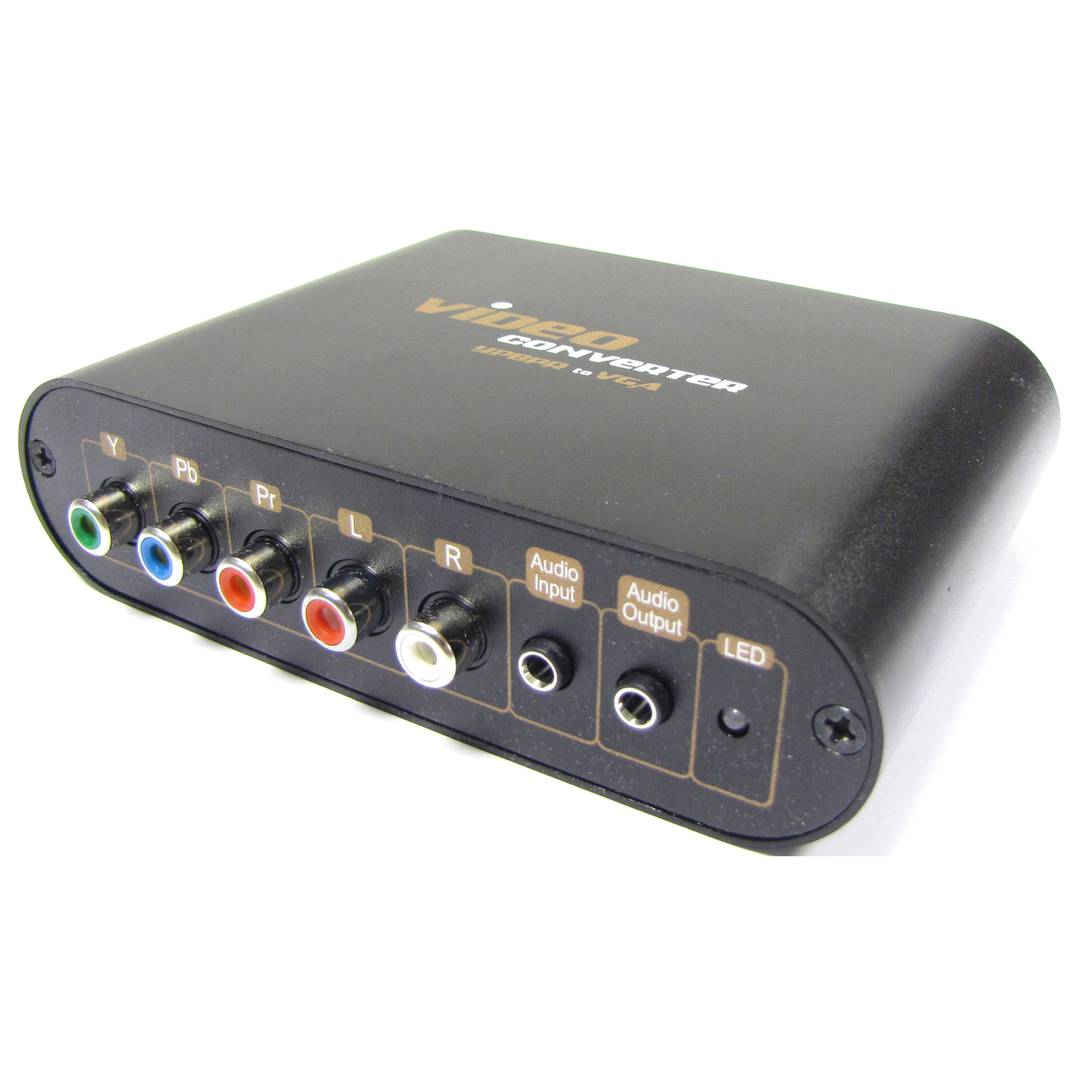
Component video converter YPbPr to VGA


Component video converter YPbPr to VGA
REF: SH096

OUTLET
Specifications
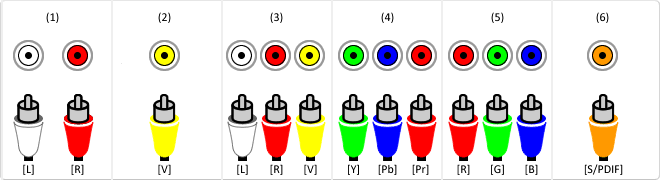
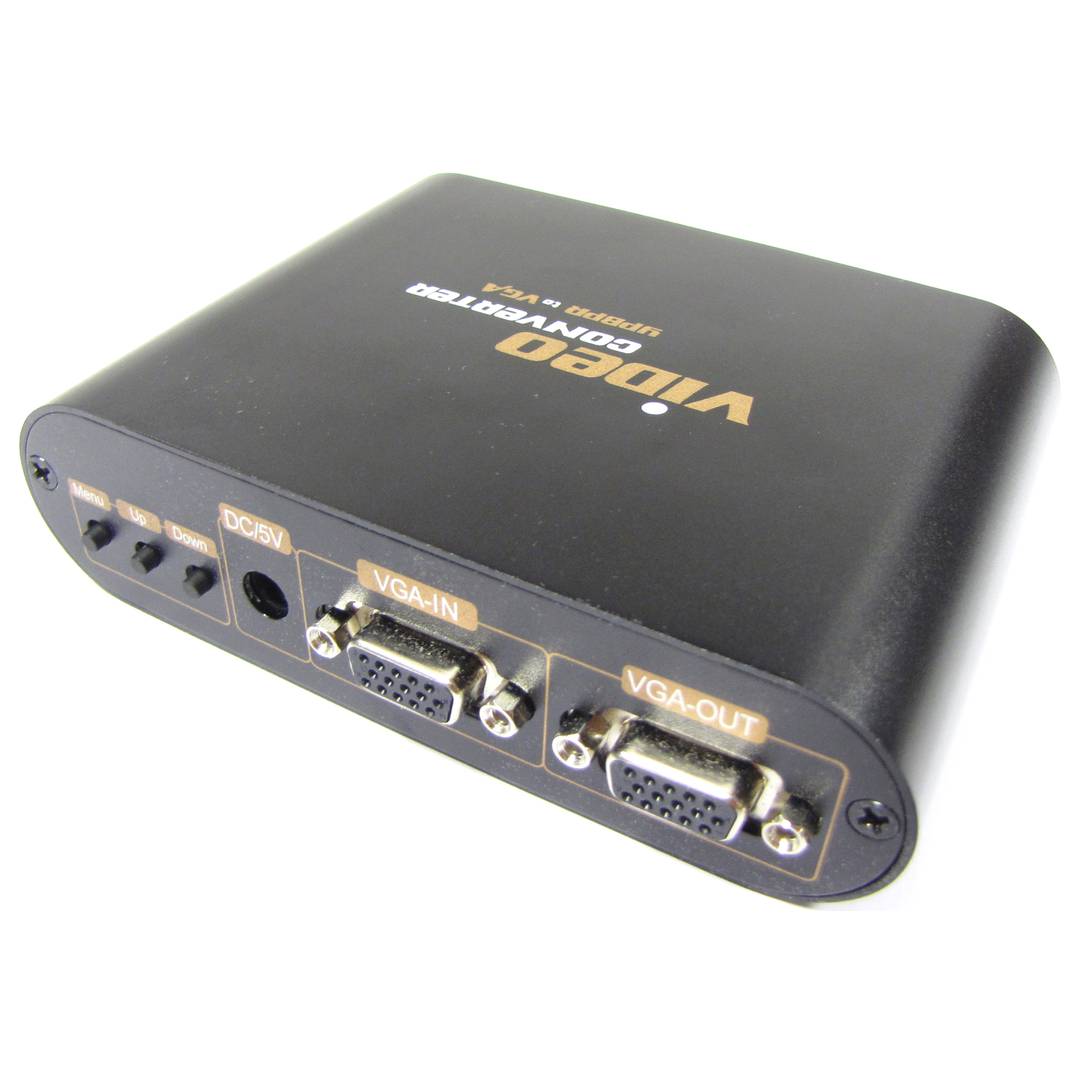
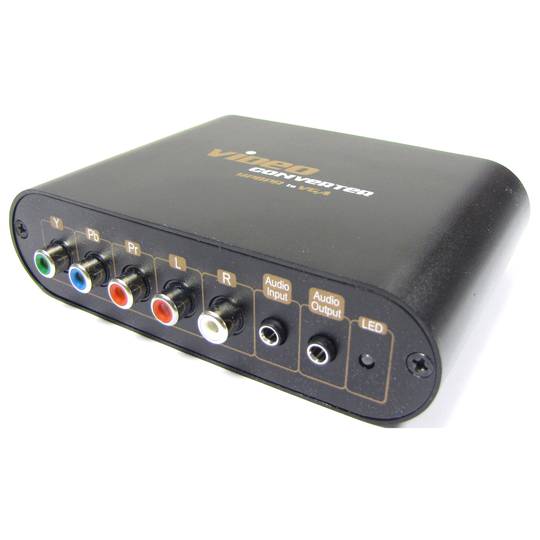
- Input 1 : 3 RCA Female (Y video, Pb video and Pr video) and2 RCA Female (audio left and audio right).
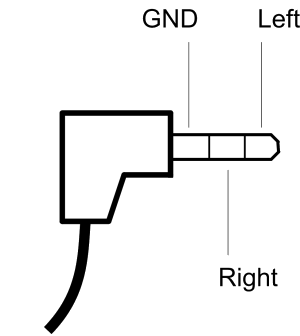
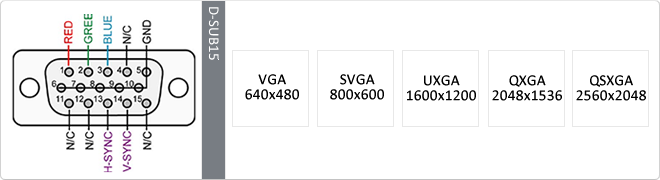
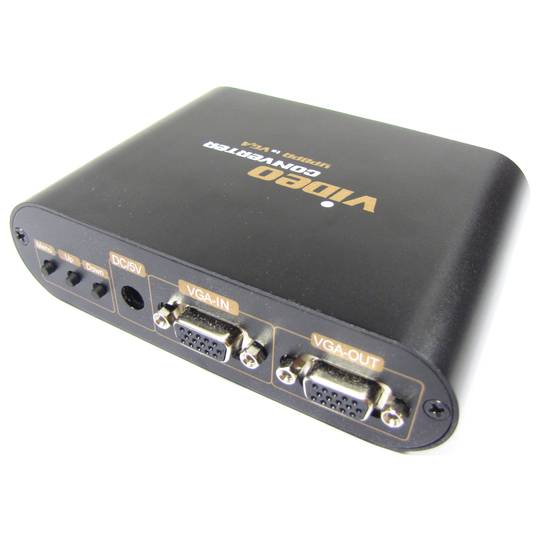
- Input 2 : 1 HD15 Female (VGA) and 1 MiniJack 3.5mm Female (stereo audio).
- Output : 1 HD15 Female (VGA) and 1 MiniJack 3.5mm Female (stereo audio).
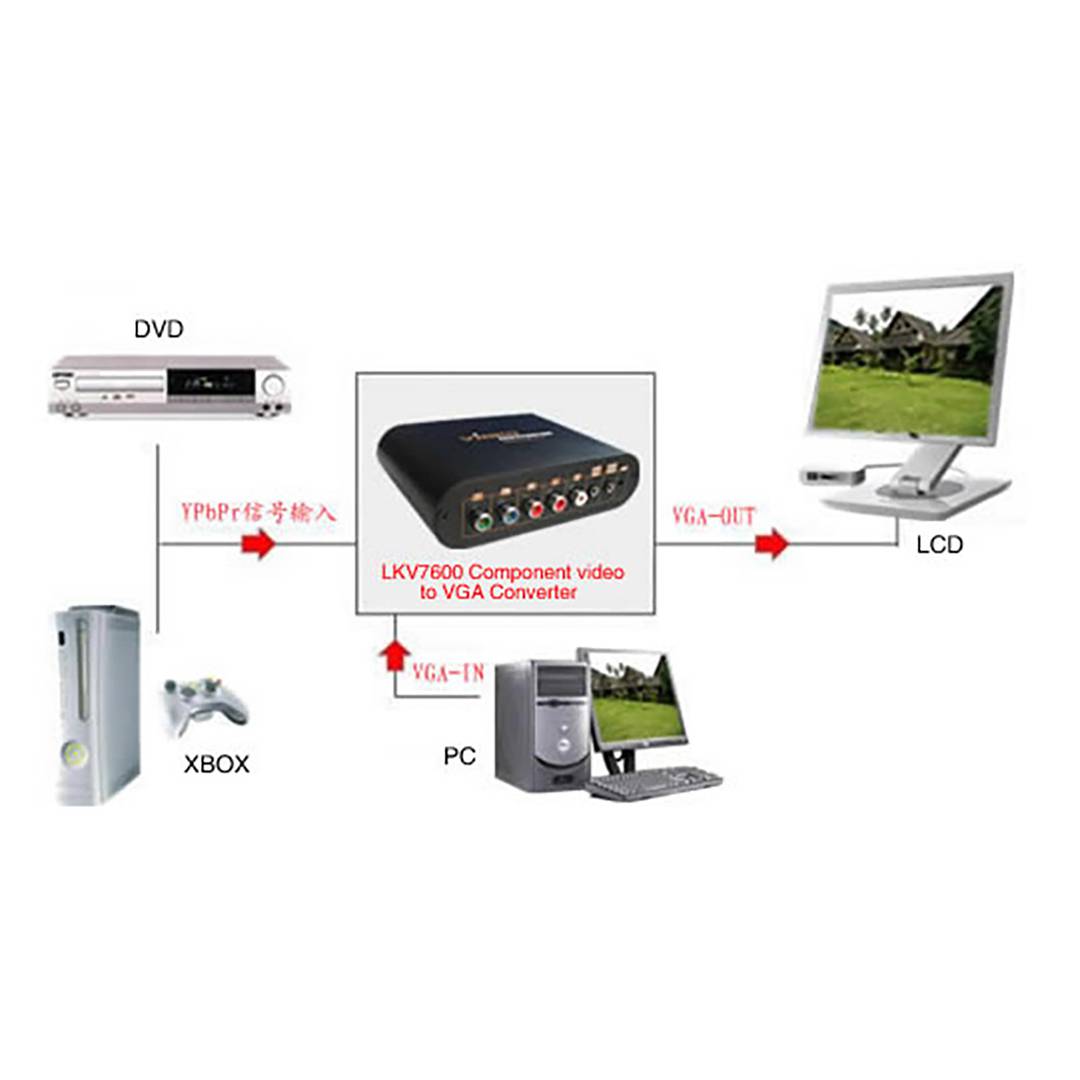
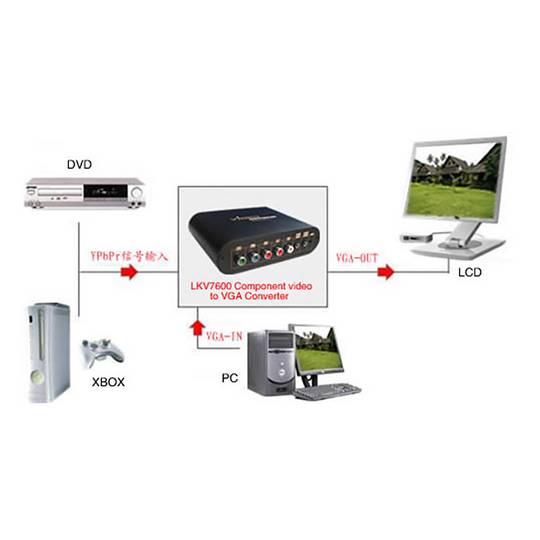
- The typical configuration would be a player with component video output connected to input 1, a computer with VGA output connected to input 2 and a screen with VGA input connected to the output./ li>
- On the front panel there are 3 buttons: menu, up and down. They allow the configuration of the device via OSD and the selection of the audio and video input signal.
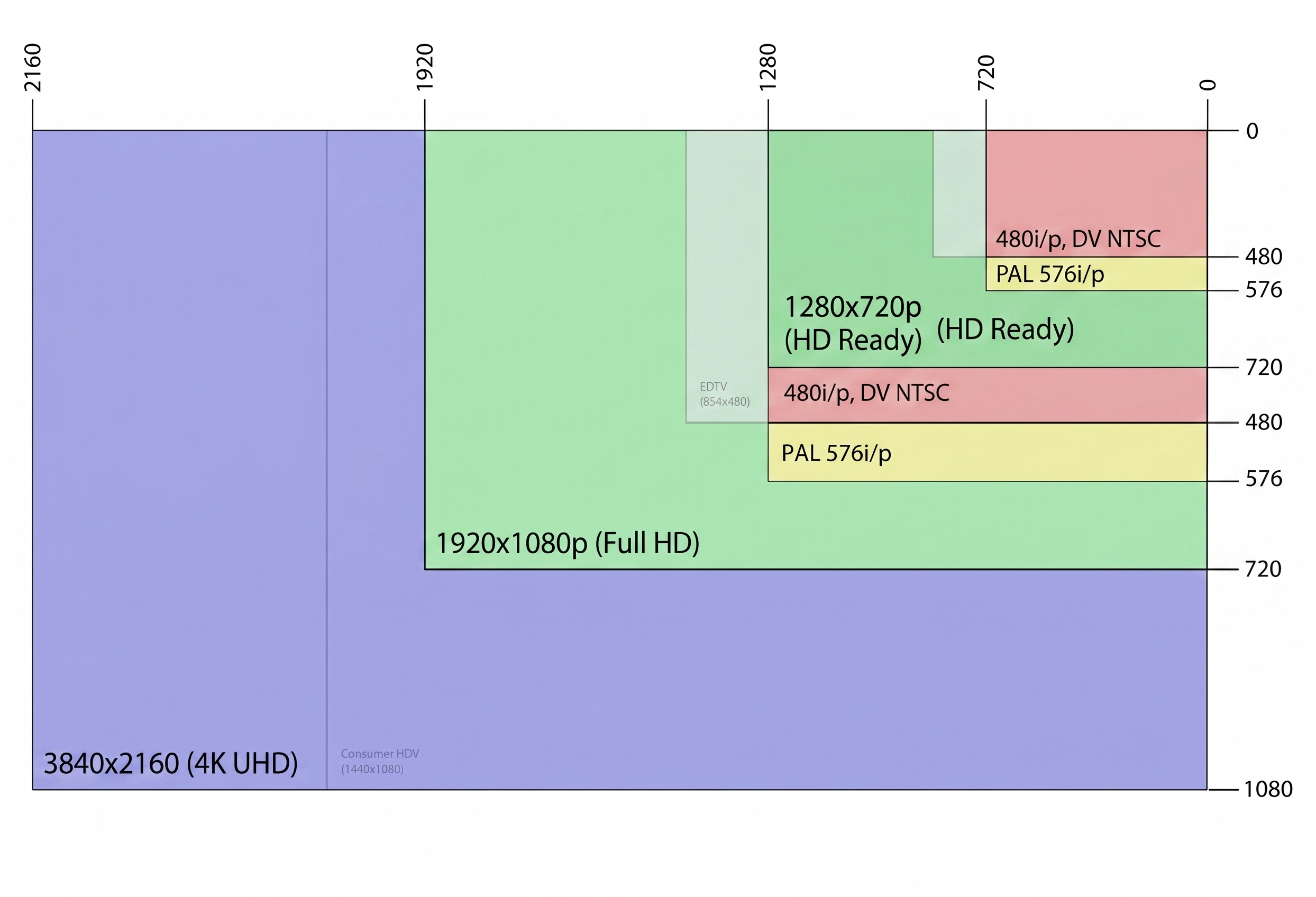
- Input resolution 1: 480i, 480p, 576i, 576p, 720p, 1080i and 1080p at 50/60 Hz.
PVP
€69.57
€10.44
Price including VAT:
€10.44
PVD
€58.24
€8.74
PVP: Retail price.
Check conditions.
PVP: Sale price to distributors.
Check conditions.
 2 years
warranty
 14 days
returns
OUTLET
We will notify you when it is back in stock.
Specifications
- Input 1 : 3 RCA Female (Y video, Pb video and Pr video) and2 RCA Female (audio left and audio right).
- Input 2 : 1 HD15 Female (VGA) and 1 MiniJack 3.5mm Female (stereo audio).
- Output : 1 HD15 Female (VGA) and 1 MiniJack 3.5mm Female (stereo audio).
- The typical configuration would be a player with component video output connected to input 1, a computer with VGA output connected to input 2 and a screen with VGA input connected to the output./ li>
- On the front panel there are 3 buttons: menu, up and down. They allow the configuration of the device via OSD and the selection of the audio and video input signal.
- Input resolution 1: 480i, 480p, 576i, 576p, 720p, 1080i and 1080p at 50/60 Hz.
Related products
Keywords
Did not find what you were looking for? These topic could help you
More info
Video converter by components YPbPr to VGA. In addition to the conversion, it performs the functions of a selector between the YPbPr component video input and the VGA input. The use of this device is to be able to use the same screen for audio and video from a computer (VGA) and component video source.
Specifications
- Input 1 : 3 RCA Female (Y video, Pb video and Pr video) and2 RCA Female (audio left and audio right).
- Input 2 : 1 HD15 Female (VGA) and 1 MiniJack 3.5mm Female (stereo audio).
- Output : 1 HD15 Female (VGA) and 1 MiniJack 3.5mm Female (stereo audio).
- The typical configuration would be a player with component video output connected to input 1, a computer with VGA output connected to input 2 and a screen with VGA input connected to the output./ li>
- On the front panel there are 3 buttons: menu, up and down. They allow the configuration of the device via OSD and the selection of the audio and video input signal.
- Input resolution 1: 480i, 480p, 576i, 576p, 720p, 1080i and 1080p at 50/60 Hz.
- Resolution entry 2 and exit: 640 x 480, 800 x 600, 1024 x 768, 1440 x 900, 1400 x 1050, 1600 x 1200, 1680 x 1050, 1920 x 1200 and 1280 x 768.
- It has LEDsindicator.
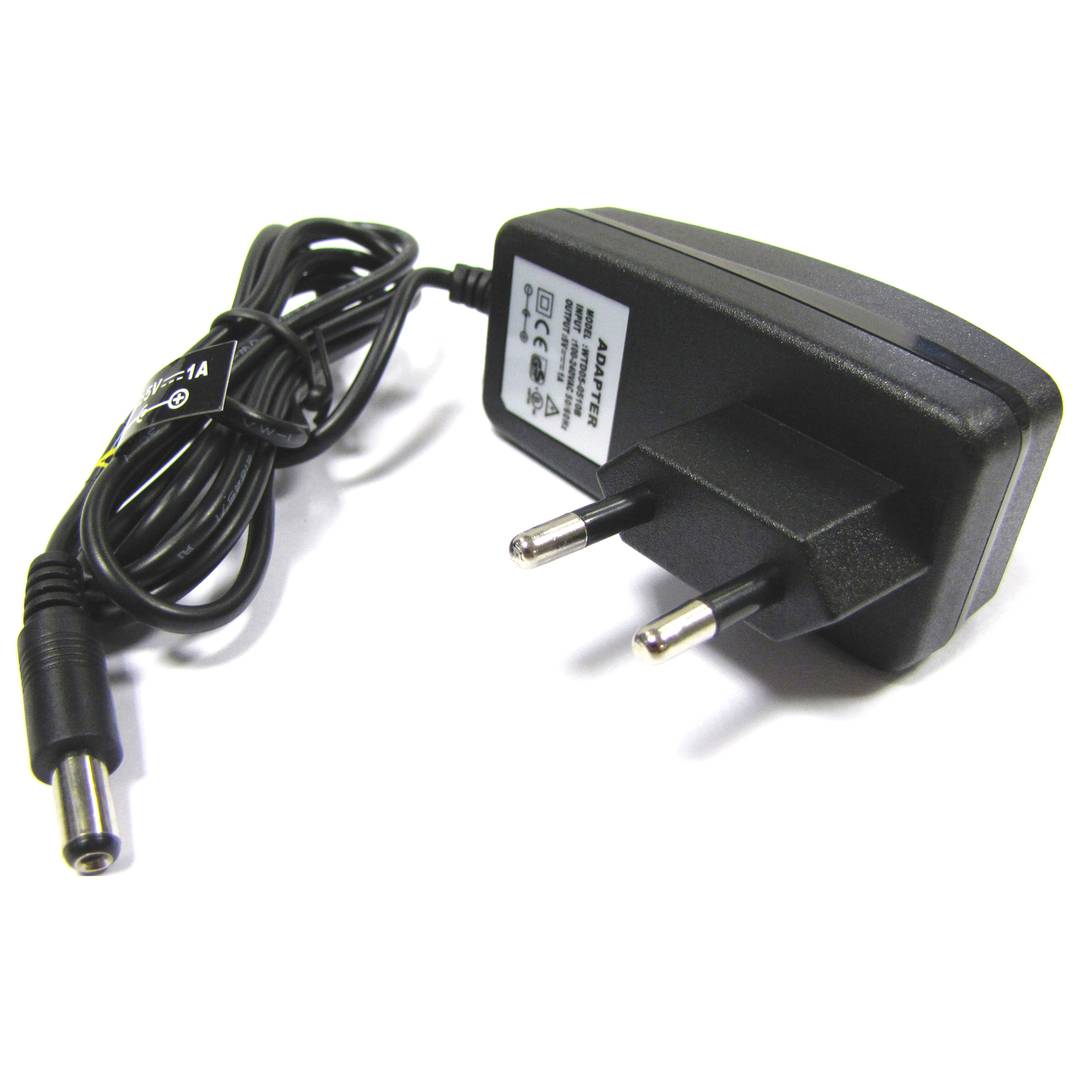
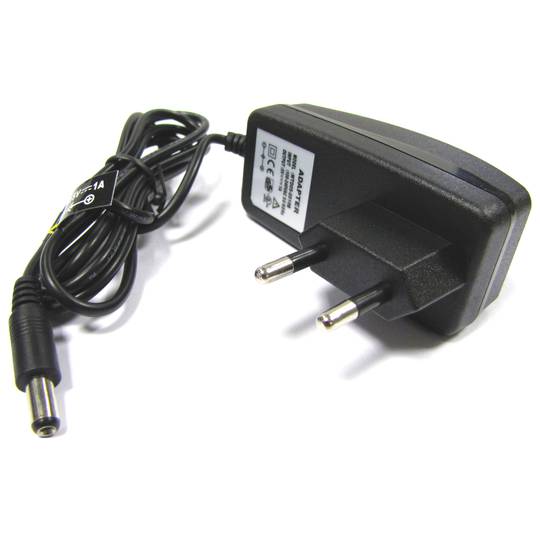
- Requires power supply from 5 VDC to 1 A (included).
- Size: 128 x 94 x 34 mm.
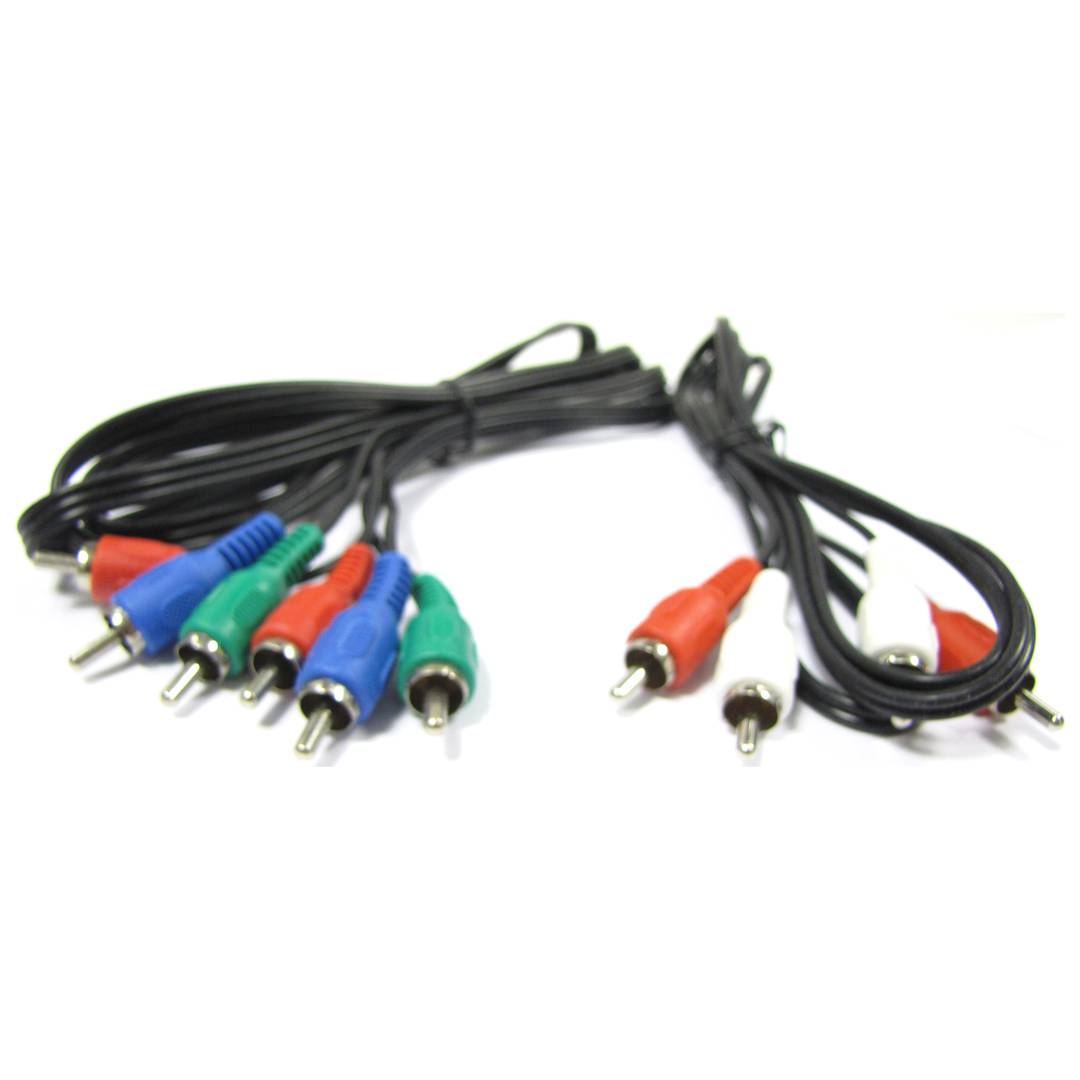
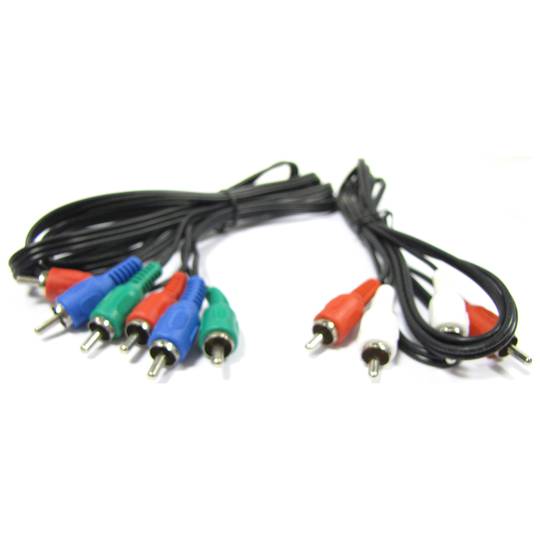
- Includes component video cable and RCA stereo audio.
- Gross Weight: 640 g
- Number of packages: 1
Technical terms
- 1080p
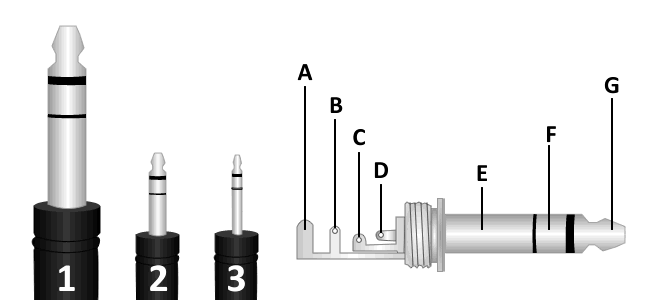
- Minijack 3.5
- VGA
- Hz
- VDC
- Jack connector
- RCA
1080p
1080p, also known as Full HD, refers to a video resolution of 1920x1080 pixels using progressive scanning.
| Feature | Specification |
|---|---|
| Resolution | 1920 x 1080 |
Detail
The 'p' stands for progressive scan, which eliminates the flickering often associated with interlaced video (1080i).
Advantages
- Superior image clarity for mainstream displays.
- Widely supported by all streaming platforms.
Note: 1080p remains the industry standard for high-definition quality.