

07/13/2026 2:35 p.m.
https://cablematic.com/en/products/dvi-d-male-to-dvi-d-dual-link-female-VG065/
https://cablematic.com/en/products/dvi-d-male-to-dvi-d-dual-link-female-VG065/
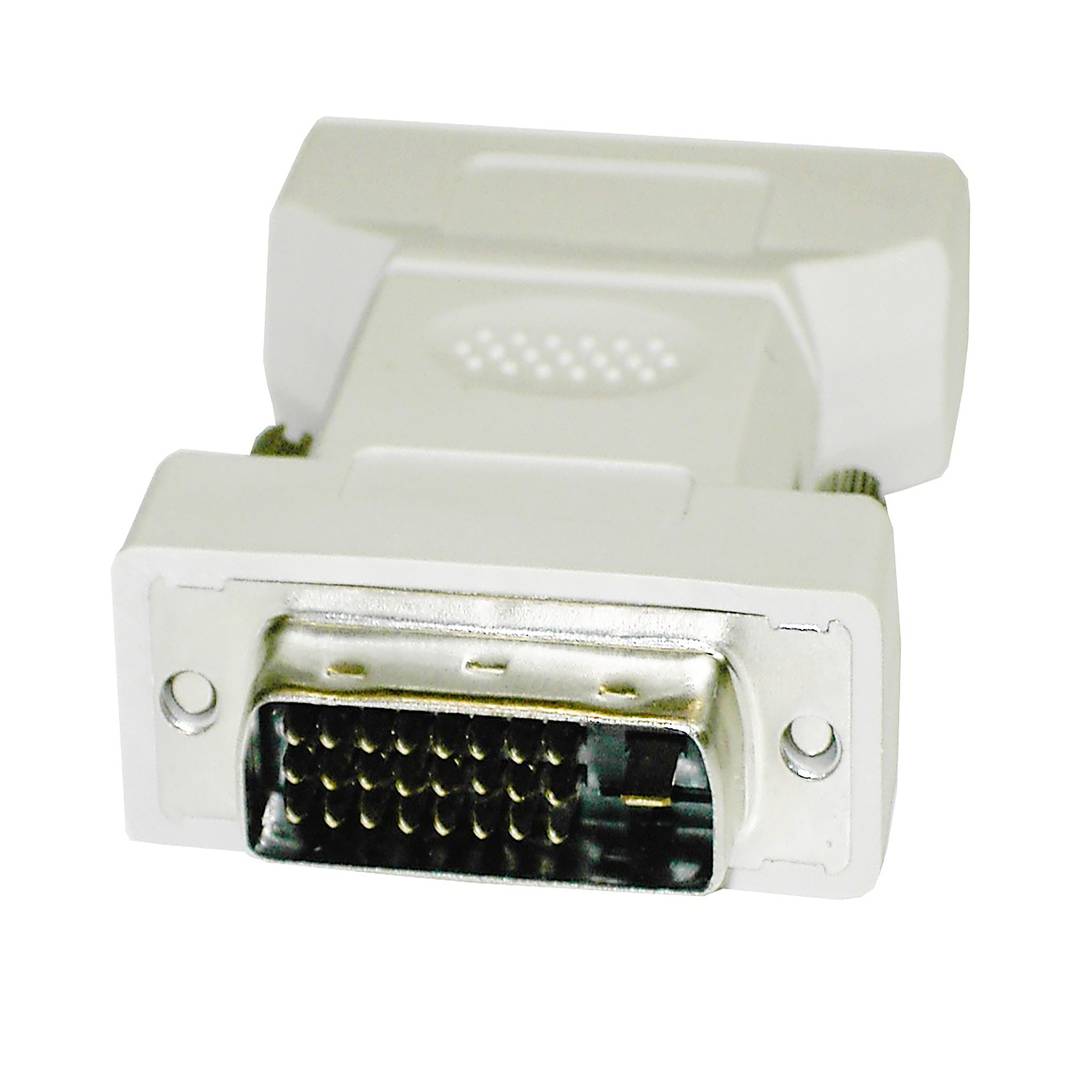
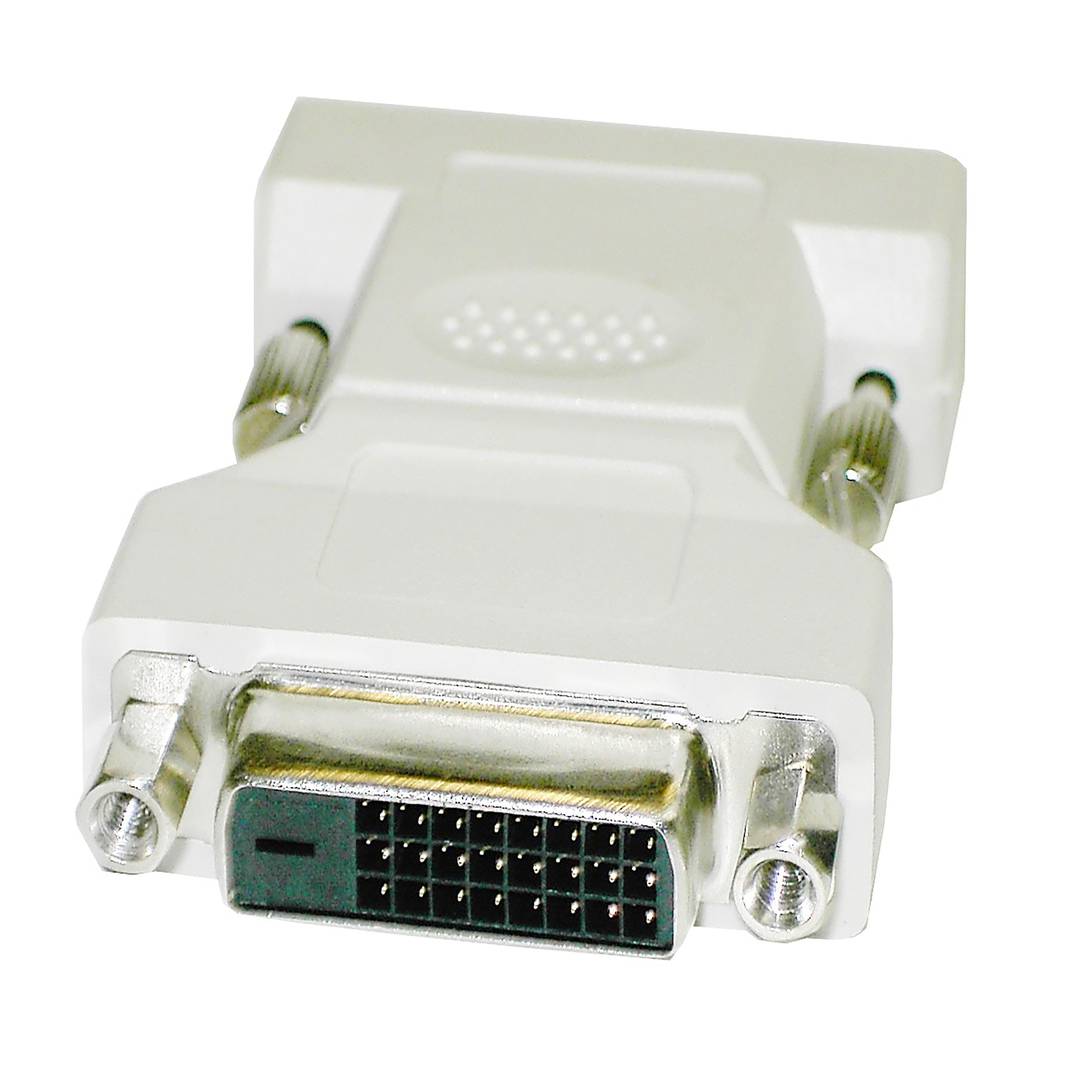


DVI-D Male to DVI-D dual link female
DVI-D Male to DVI-D dual link female
REF: VG065


Specifications
- Compact design DVI adapter.
- Model with DVI-D-Male connector on one end and DVI-D-Female on the other end.
- Dual-Link mode, that is, it interconnects all its pins (25-pin for the DVI-D).
PVP
€1.32
Price including VAT:
€1.32
PVD
€1.17
PVP: Retail price.
Check conditions.
PVP: Sale price to distributors.
Check conditions.
 2 years
warranty
 14 days
returns
 100%
100%safe
We will notify you when it is back in stock.
Specifications
- Compact design DVI adapter.
- Model with DVI-D-Male connector on one end and DVI-D-Female on the other end.
- Dual-Link mode, that is, it interconnects all its pins (25-pin for the DVI-D).
Related products
More info
Compact design DVI adapter. Model with DVI-D-Male connector on one end and DVI-D-Female on the other end. Dual-Link mode, that is, it interconnects all its pins (25-pin for the DVI-D).
- Gross Weight: 50 g
- Number of packages: 1
Technical terms
- DVI
DVI
DVI (Digital Visual Interface) is a video interface standard designed to maximize the visual quality of digital display devices such as flat-panel LCD monitors and digital projectors.
It is the cable used to connect a computer to a screen so images look very clear. Think of it as a pipe that sends digital data directly from your PC to the monitor without losing quality along the way.
| Specification | Detail |
|---|---|
| Signal Type | Digital and Analog |
| Max Resolution | 2560 × 1600 (Dual Link) |
Connector Variants
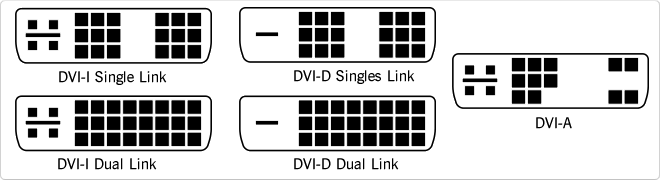
There are three main types: DVI-D (digital only), DVI-A (analog only), and DVI-I (integrated, supporting both). Dual Link modes double the bandwidth for higher performance.
Key Advantages
- Keeps the digital signal pure from source to display.
- Supports resolutions higher than traditional VGA.
- Backward compatible with analog signals via passive adapters.
Mostly succeeded by modern HDMI and DisplayPort standards.