

https://cablematic.com/en/products/kvw-switch-cable-for-touch-screens-12-m-2-1-SW081/

Kvw switch cable for touch screens 1.2 m (2-1)

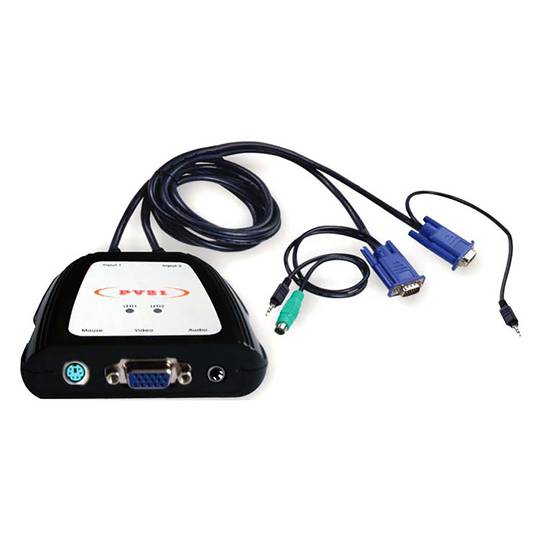
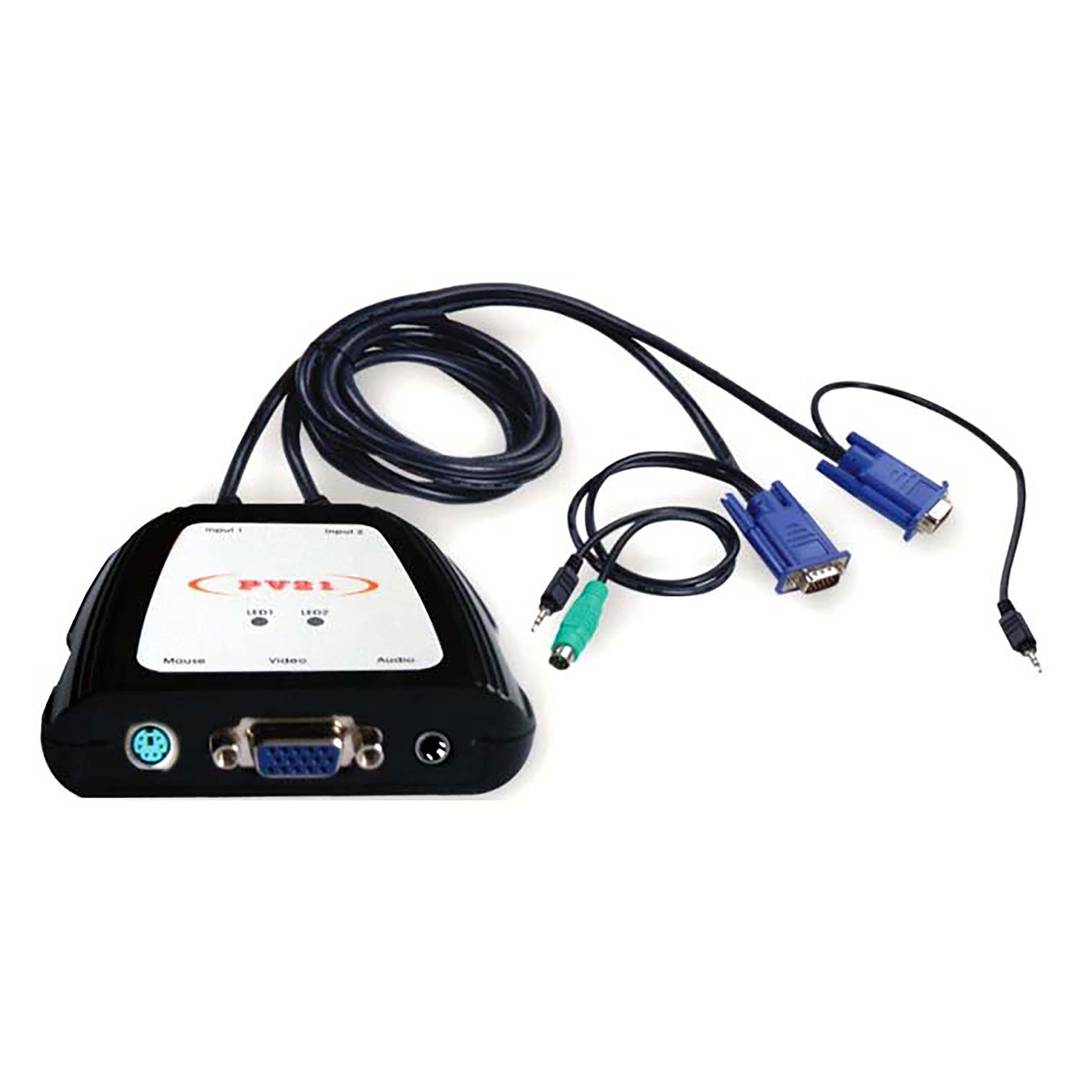
- 2 port switch specially designed for touch screen based consoles. The image is displayed from the screen and the cursor or mouse is controlled.
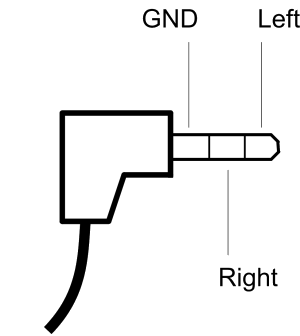
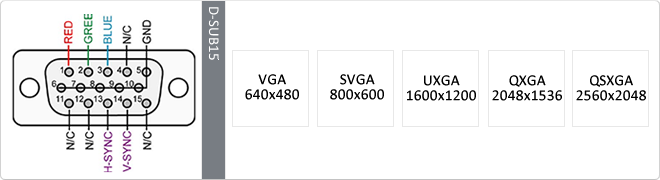
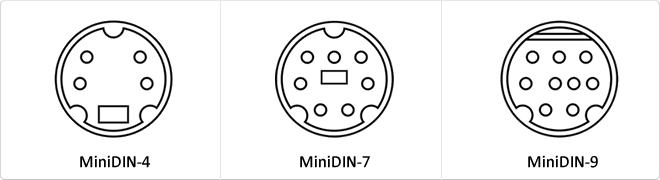
- Console connectors (touch screen): It has VGA video connector (1 x HD15 female), PS2 mouse connector (1 x miniDIN 6-pin female) and analog audio connectorico stereo (1 x minijack 3.5 "female).
- Input port 1: It has a VGA video connector (1 x HD15 male), PS2 mouse connector (1 x miniDIN 6-pin male) and stereo analog audio connector (1 x minijack 3.5 "male).
- Input port 2: It has a VGA video connector (1 x HD15 male) and stereo analog audio connector (1 x minijack 3.5 "male).
- Port of entry 1 is designed pfor connection to a computer. The input port 2 is designed for connection to a VGA video source that does not require mouse input, ie simply show video.
 2 years
warranty
 14 days
returns
- 2 port switch specially designed for touch screen based consoles. The image is displayed from the screen and the cursor or mouse is controlled.
- Console connectors (touch screen): It has VGA video connector (1 x HD15 female), PS2 mouse connector (1 x miniDIN 6-pin female) and analog audio connectorico stereo (1 x minijack 3.5 "female).
- Input port 1: It has a VGA video connector (1 x HD15 male), PS2 mouse connector (1 x miniDIN 6-pin male) and stereo analog audio connector (1 x minijack 3.5 "male).
- Input port 2: It has a VGA video connector (1 x HD15 male) and stereo analog audio connector (1 x minijack 3.5 "male).
- Port of entry 1 is designed pfor connection to a computer. The input port 2 is designed for connection to a VGA video source that does not require mouse input, ie simply show video.
Related products
Keywords
Did not find what you were looking for? These topic could help you
More info
KVM switch designed especially for touch screen consoles. It is a two-port switch in which the VGA video signals, stereo analog sound and mouse (or cursor movement on the touch screen) are switched. Self-switching system that by touching the touch screen, automatically selects the computer. After 30 seconds of inactivity, the system switches back to the port that sumInistra some type of promotional video.
Specifications
- 2 port switch specially designed for touch screen based consoles. The image is displayed from the screen and the cursor or mouse is controlled.
- Console connectors (touch screen): It has VGA video connector (1 x HD15 female), PS2 mouse connector (1 x miniDIN 6-pin female) and analog audio connectorico stereo (1 x minijack 3.5 "female).
- Input port 1: It has a VGA video connector (1 x HD15 male), PS2 mouse connector (1 x miniDIN 6-pin male) and stereo analog audio connector (1 x minijack 3.5 "male).
- Input port 2: It has a VGA video connector (1 x HD15 male) and stereo analog audio connector (1 x minijack 3.5 "male).
- Port of entry 1 is designed pfor connection to a computer. The input port 2 is designed for connection to a VGA video source that does not require mouse input, ie simply show video.
- The operation is automatic because when touching the touch screen, the switch automatically selects port 1 (POS computer). After 30 seconds of inactivity, it automatically switches to port 2, that is, to the video sourceternativa (example: corporate video).
- Status indicator LEDs.
- Resolution: 1920 x 1440
- Bandwidth: 250 MHz.
- Horizontal frequency: 43-250 Hz.
- The switch includes the cables that go to the ports, as they are integrated into the switch itself.
- Gross Weight: 400 g
- Number of packages: 1
Technical terms
- KVM
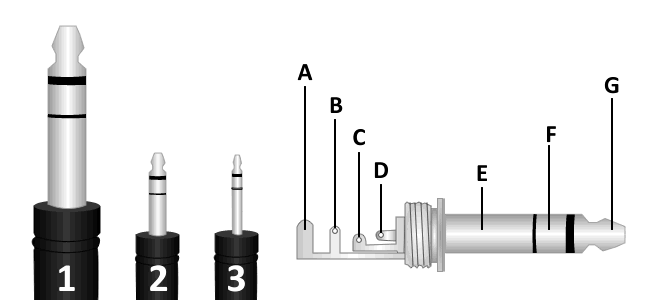
- Minijack 3.5
- VGA
- Hz
- MiniDin
- Jack connector
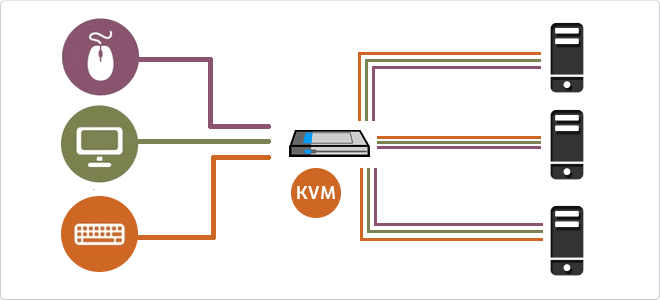
A KVM switch (Keyboard, Video, Mouse) is a hardware device that allows the control of multiple computers or servers through a single set of input and output peripherals.
This technology acts as an electronic signal bridge that switches the data flow between various host units and the user console. It manages DDC/EDID signal emulation to prevent operating systems from detecting monitor disconnection during switching, ensuring the stability of display configurations and operational continuity.
| Specification | Technical Description |
|---|---|
| Video Interfaces | VGA, HDMI, DisplayPort, DVI-I |
| Connectivity | USB 2.0/3.0, PS/2, Audio Jack |
| Switching Methods | Push buttons, Hotkeys, OSD |
The integration of KVM switches into modern infrastructures has significantly optimized rack space and reduced power consumption. With the evolution towards KVM-over-IP, administrators can remotely manage data centers at the BIOS level, enabling critical interventions regardless of the operating system state.
Key Technical Detail
Intermediate and advanced models use dedicated microprocessors for each input port, ensuring the computer "perceives" an active peripheral connection, eliminating USB enumeration latency.
Main Advantages
- Significant reduction in cabling and redundant hardware.
- Centralized and secure access to multiple systems.
- Ability to manage headless servers.
Note: KVM switches are essential for operational efficiency in data centers and server rooms.