

10/23/2026 12:12 p.m.
https://cablematic.com/en/products/pushbutton-transmitter-for-wireless-calling-system-wallmount-500m-3-keys-QI053/
https://cablematic.com/en/products/pushbutton-transmitter-for-wireless-calling-system-wallmount-500m-3-keys-QI053/


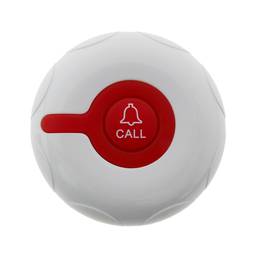
Pushbutton transmitter for wireless calling system wallmount 500m 3 keys
Pushbutton transmitter for wireless calling system wallmount 500m 3 keys
REF: QI053

Specifications
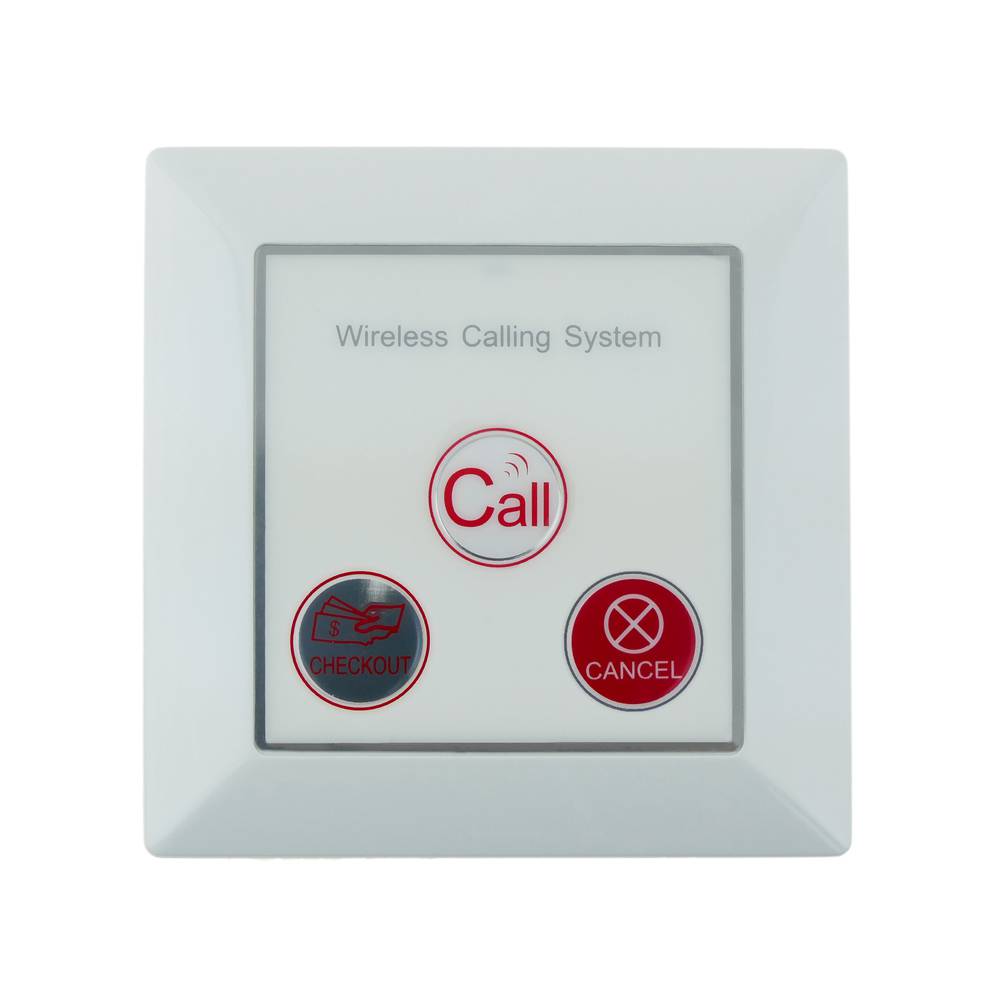
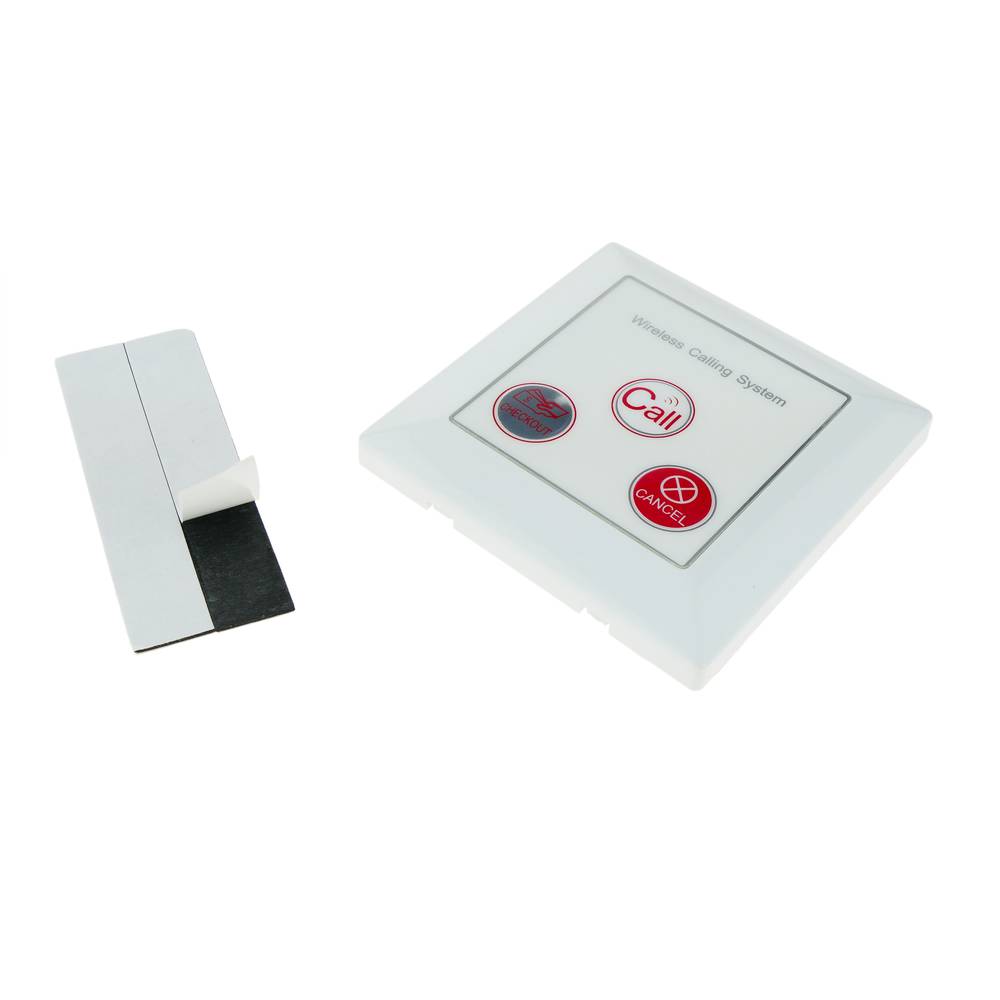
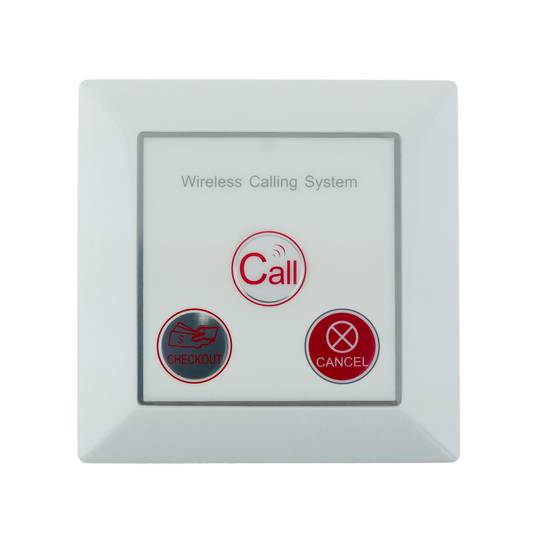
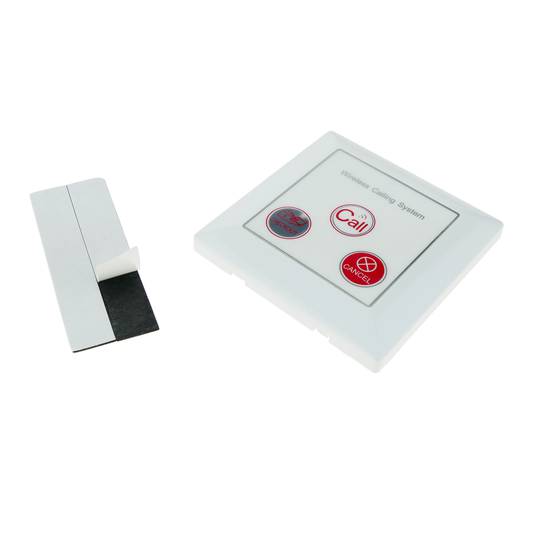
- Wireless push button to be used with an automatic call system. Model imitation wall switch.
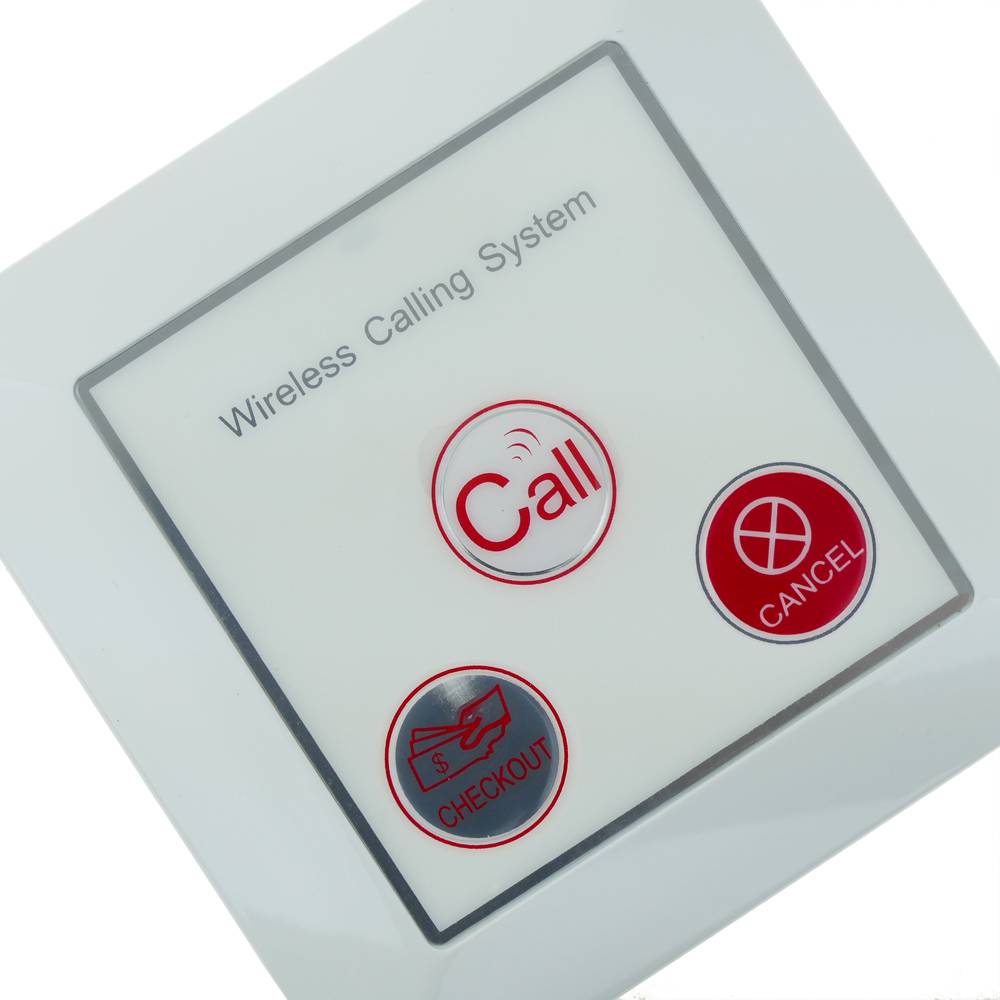
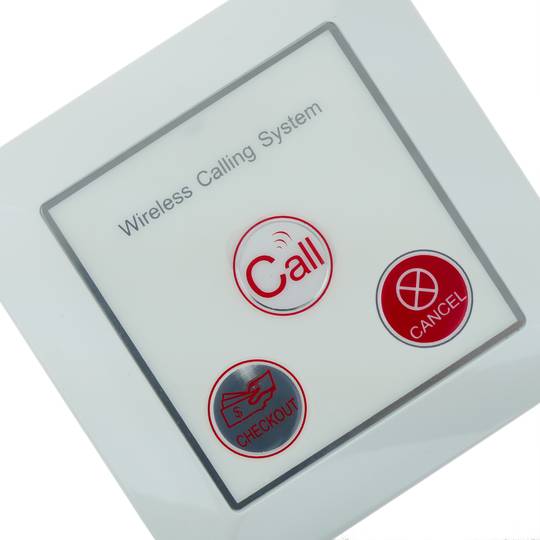
- It has a CALL, CANCEL, CHECKOUT button and LED indicator.
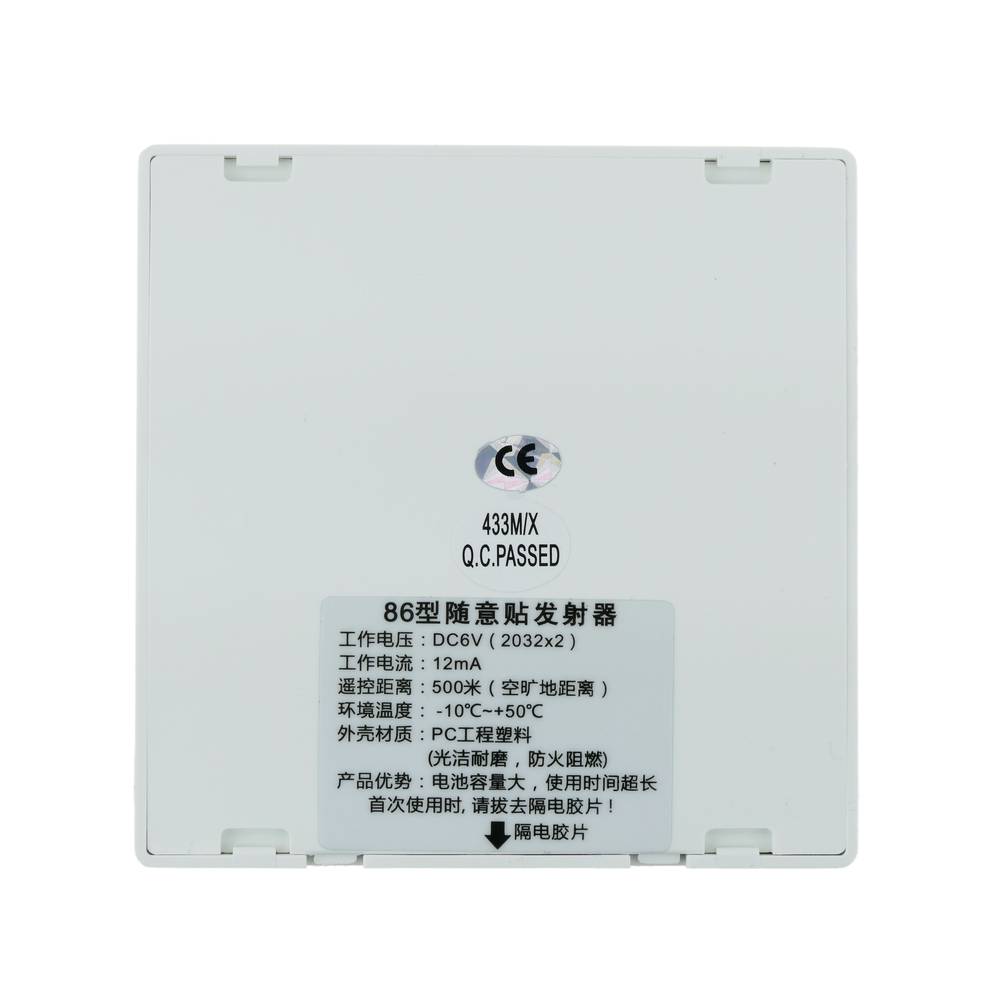
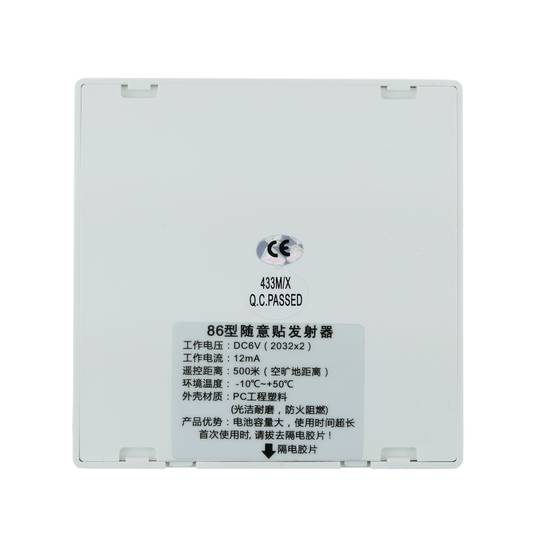
- Approximate operating range: 500 m (in optimal conditions).
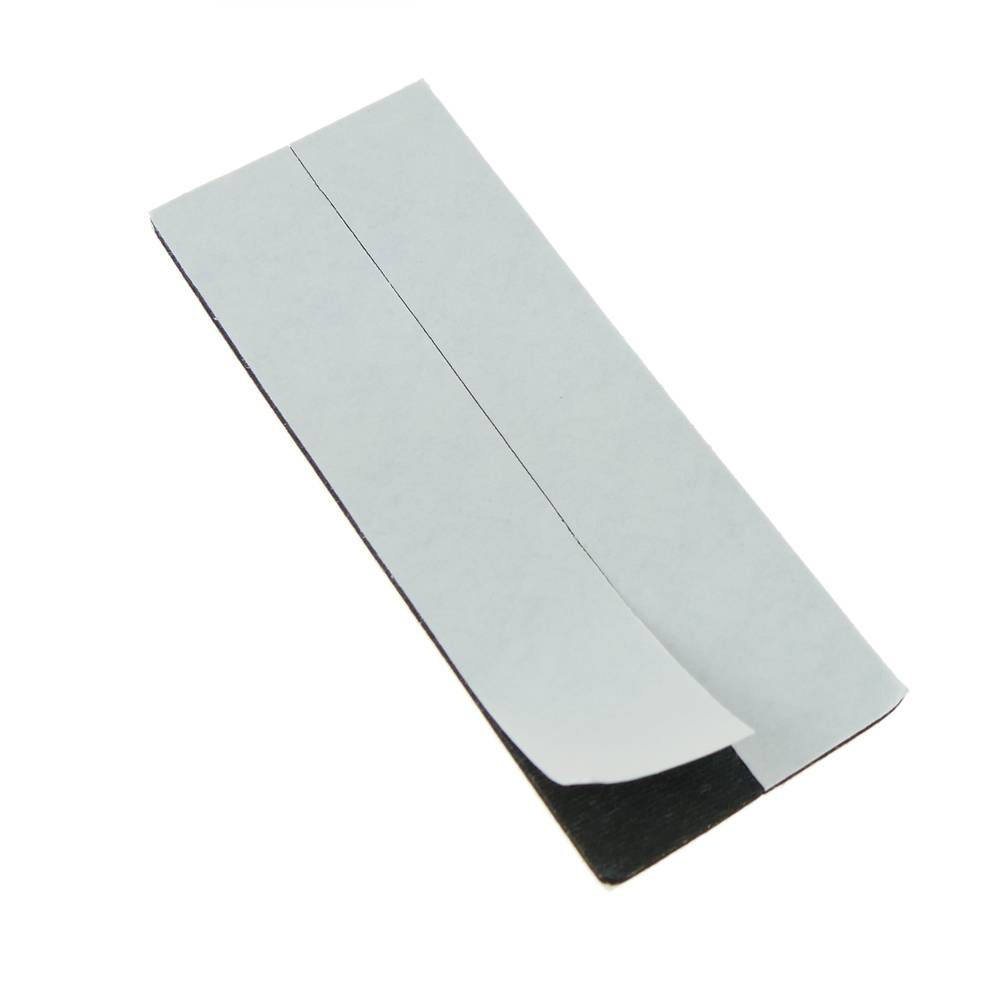
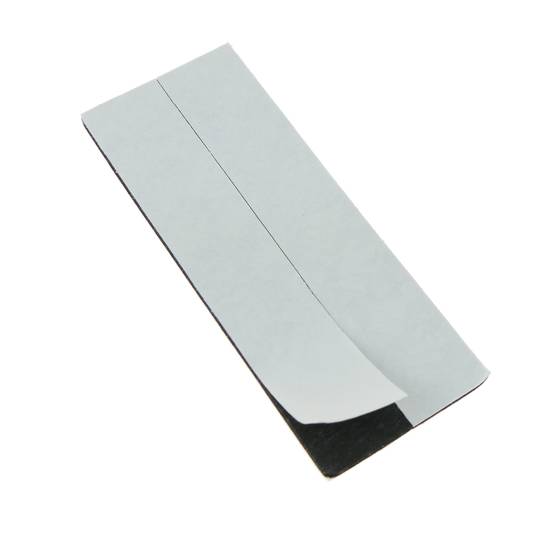
- Fixation using double adhesiveface (included).
- Works with 23A 12V battery (included). It is housed in the back of the button.
![play_button]() Watch video
Watch video
More info
 Watch video
PVP
€8.10
Price including VAT:
€8.10
PVD
€7.70
PVP: Retail price.
Check conditions.
PVP: Sale price to distributors.
Check conditions.
 2 years
warranty
 14 days
returns
 100%
100%safe
Specifications
- Wireless push button to be used with an automatic call system. Model imitation wall switch.
- It has a CALL, CANCEL, CHECKOUT button and LED indicator.
- Approximate operating range: 500 m (in optimal conditions).
- Fixation using double adhesiveface (included).
- Works with 23A 12V battery (included). It is housed in the back of the button.
Related products
Keywords
Did not find what you were looking for? These topic could help you
More info
Push button to be used with wireless call systems. This button must be used in conjunction with a LED display compatible with the wireless call system. These systems can be used in restaurants, bars, hotels, hospitals, stores, elderly care, etc.
To configure a wireless call system, you must purchase the LCD viewers (receivers from the vendor) and thecall centers (client transmitters). The normal configuration is an LCD viewfinder (receiver) for several call modules or push buttons (transmitters). However, it is also possible to configure more than one LCD viewer, and all LCD displays will display the same call information.
The configuration of the system is easy. The installation does not require cables, as the communication between LCD display and call buttons isperform wirelessly. The buttons must be registered in the LCD display, and each button assigned a specific number. This number can correspond to the table number, room number, section number, etc., depending on the type of application. When the client (user of the button or transmitter) presses the key, the information is displayed in the LCD viewer to which it is paired. In this way the seller can perform the acctimely ions to give the necessary attention to the client.
Push button specifications
- Wireless push button to be used with an automatic call system. Model imitation wall switch.
- It has a CALL, CANCEL, CHECKOUT button and LED indicator.
- Approximate operating range: 500 m (in optimal conditions).
- Fixation using double adhesiveface (included).
- Works with 23A 12V battery (included). It is housed in the back of the button.
- Automatic code memorization system (self learning).
- Size: 86 x 86 x 12 mm.
- Operating frequency: 433.92 MHz.
- Compatible with different ranges of LED viewers (our references #QI1x).
- Gross Weight: 60 g
- Product size (width x depth x height): 8.6 x 1.2 x 8.6 cm
- Number of packages: 1
- Packages size: 8.6 x 8.6 x 1.2 cm
Technical terms
- Hz
- LED
Hz
One hertz is one cycle per second, meaning repeating cycle as an event. For example, hertz is applied physics measuring the number of times for a second wave (either acoustic or electromagnetic) is repeated or can be applied, among other uses, to ocean waves that reach the Beach vibrations per second or a solid. The quantity that measures the frequency hertz is called,in this regard, the inverse of the period. One hertz is an oscillation frequency of suffering a particle over a period of one second.