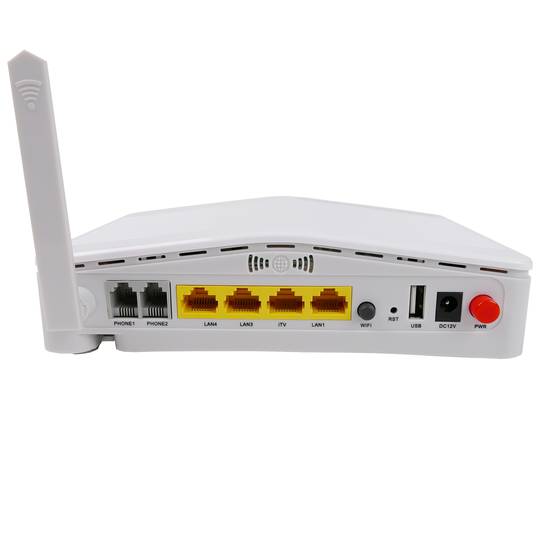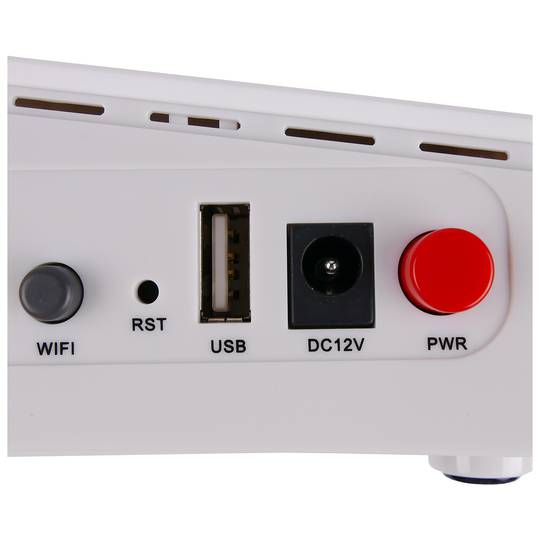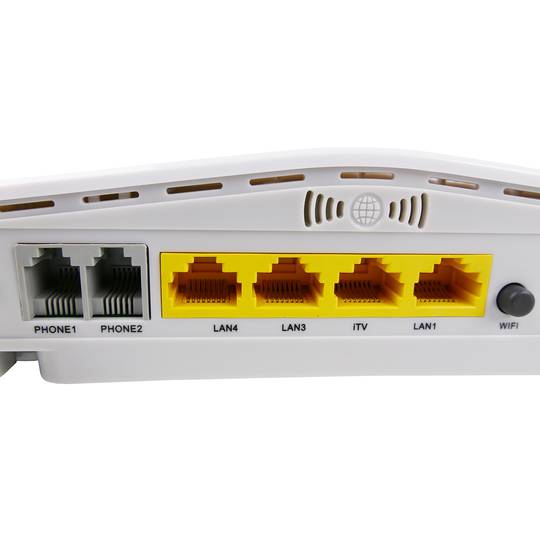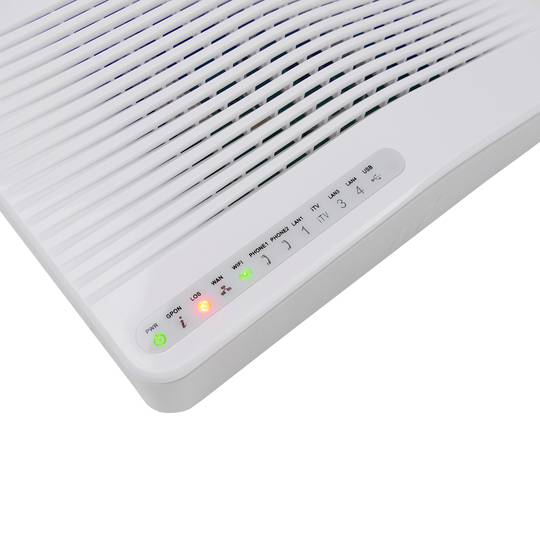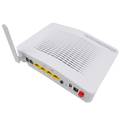
USB
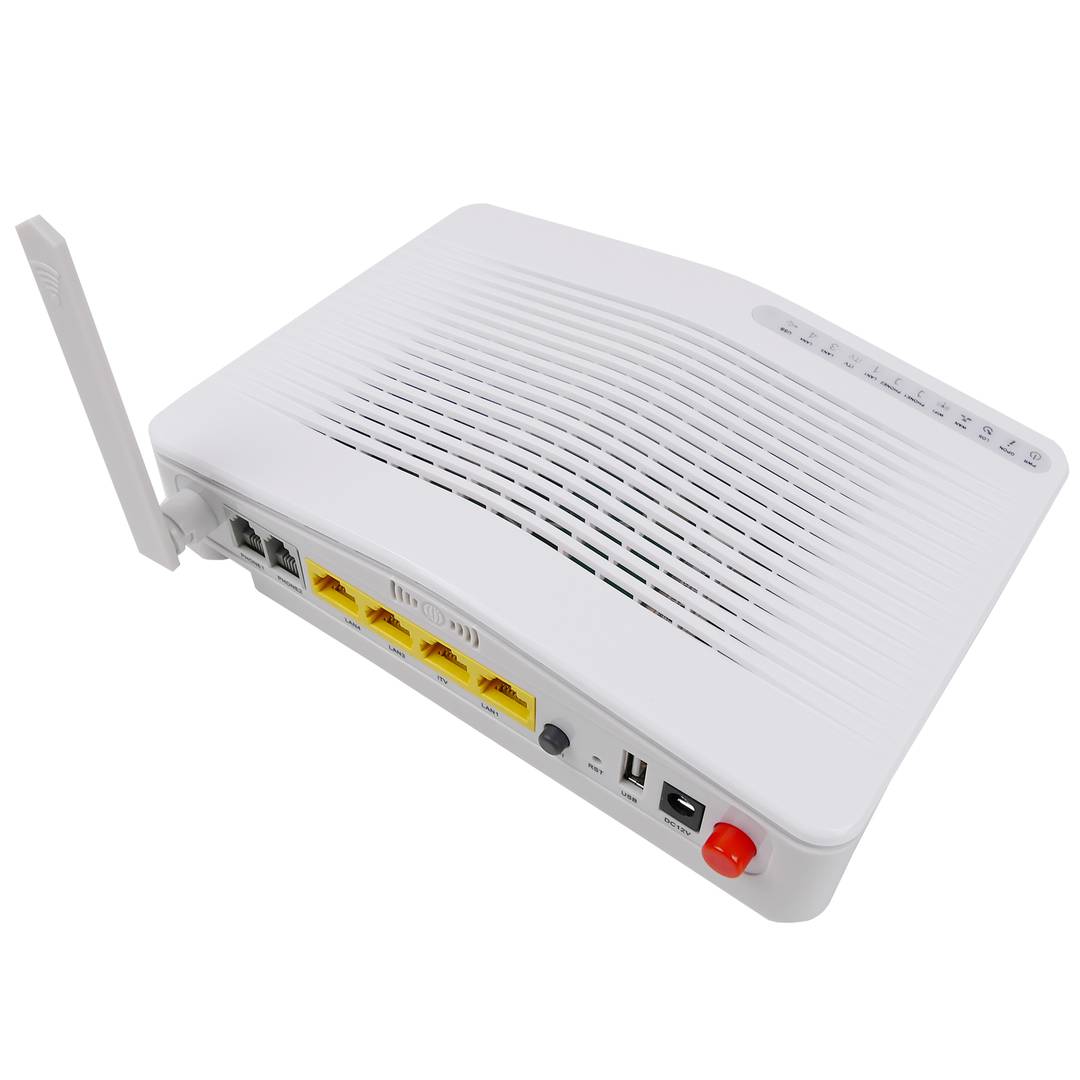
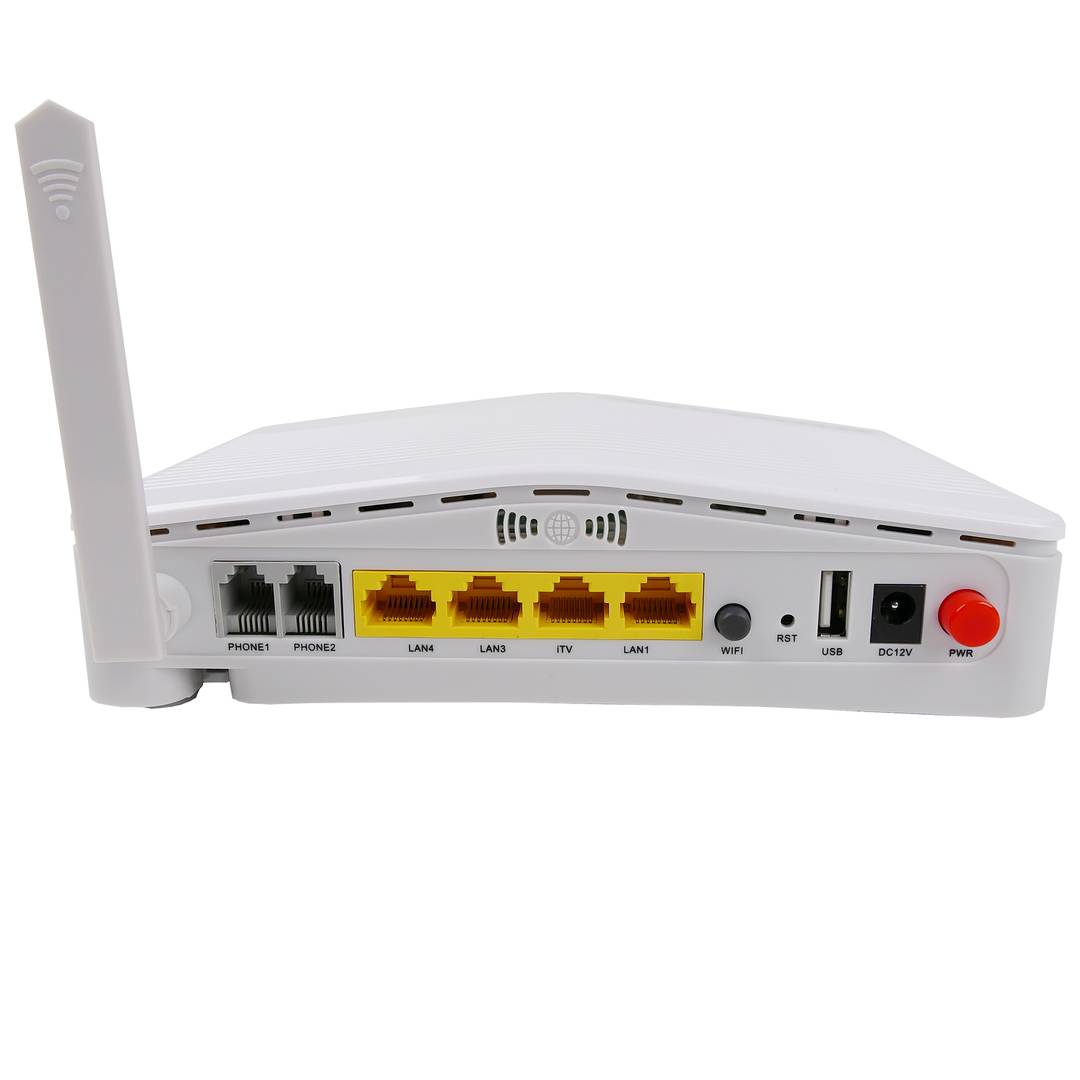
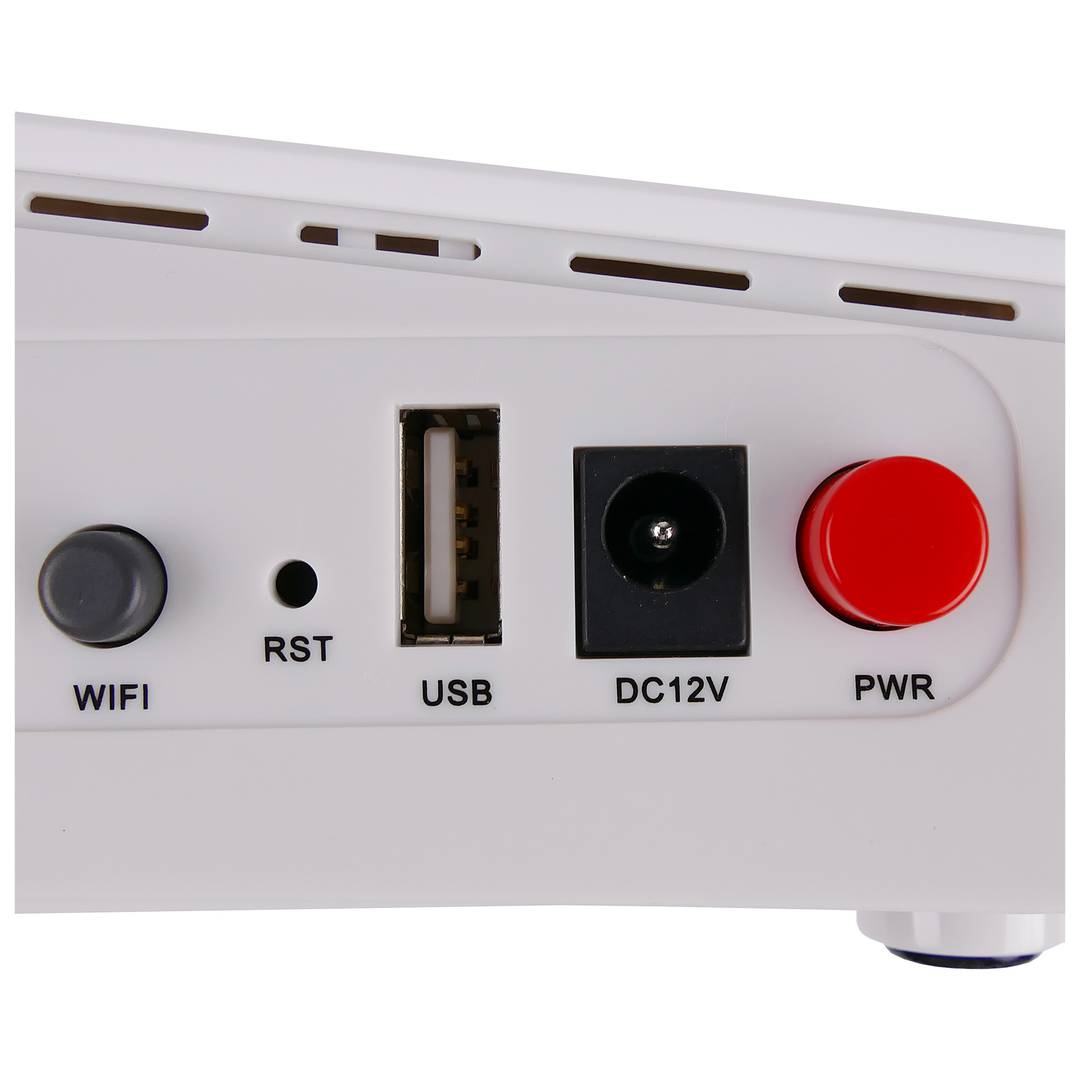
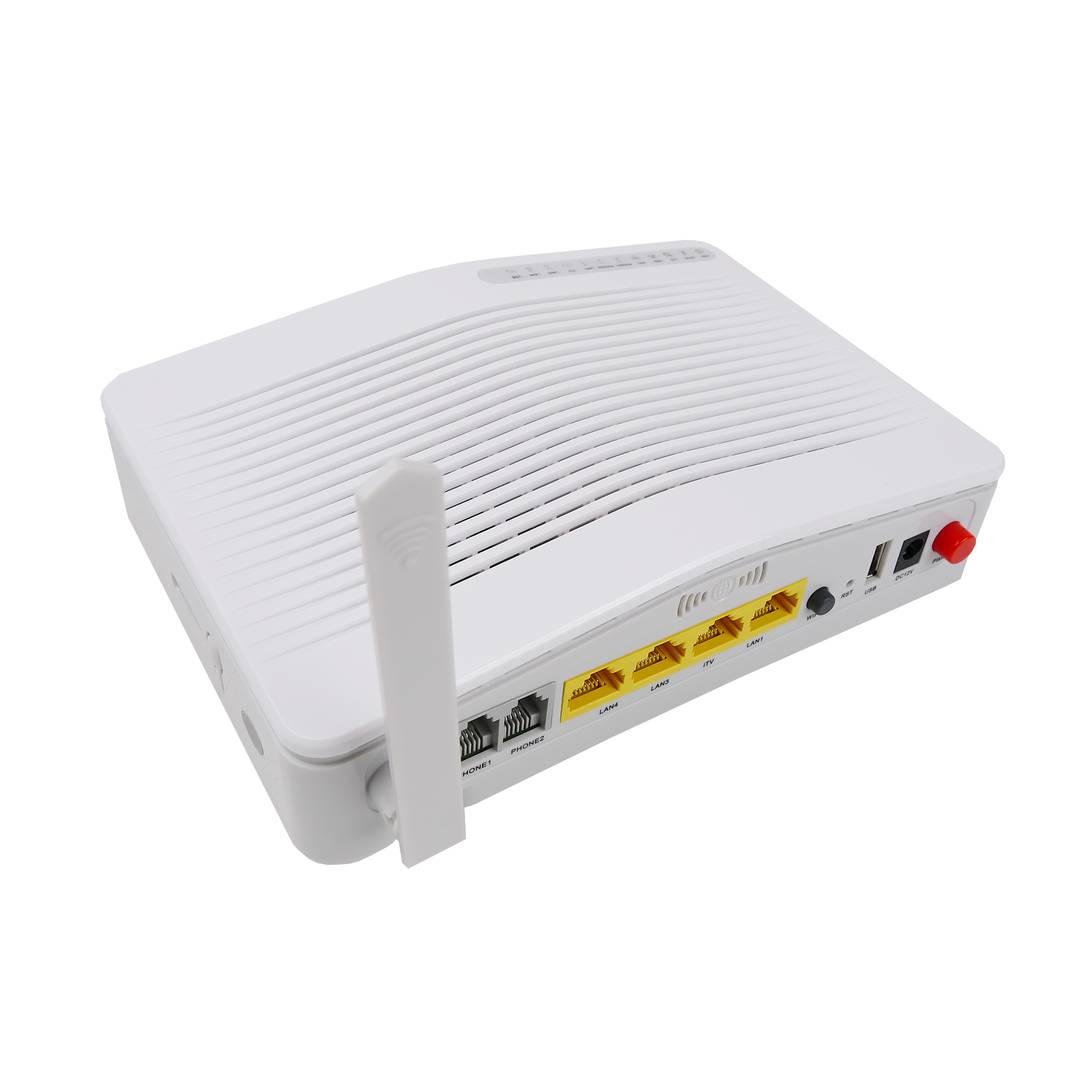
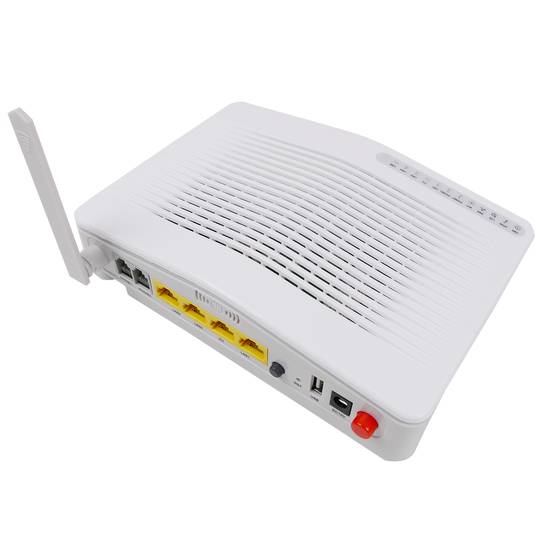
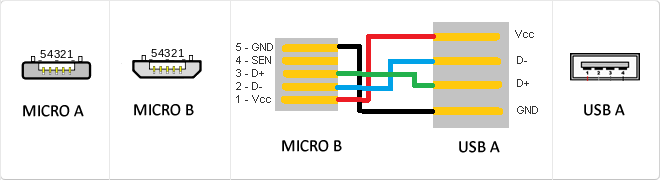
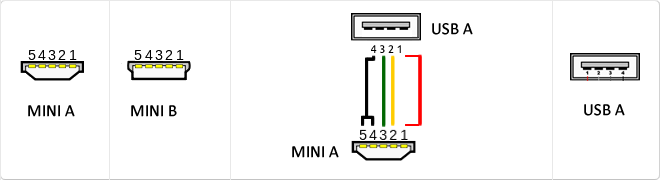
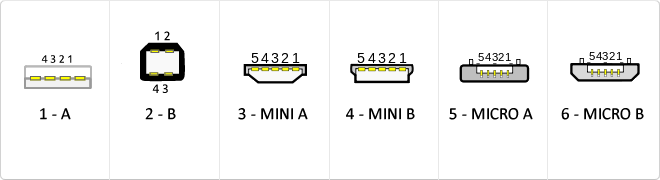
The USB (Universal Serial Bus) is a standard that defines the cables, connectors and used a bus to connect, communicate, computers, peripherals and electronic devices protocols Transmission Rates Low speed (USB 1.0). Transfer rate up to 1.5 Mbit/s (188 kB/s) used in keyboard, mouse ... transfer rate up to 12 Mbit/s (1.5 MB/s) High Speed ??(USB 2.0): Rate transferencia up to 480 Mbit/s (60 MB/s) SuperSpeed ??(USB 3.0) transfer rate up to 4.8 Gbit/s (600 MB/s) Connector Types 1 - USB type A (4 pin) 2. - USB type B (4 pin) 3 - Mini A (5-pin) 4 - Mini B (5-pin) 5 - Micro A (5-pin) 6 - Micro B (5-pin)
MicroUSB
or horizontal. The micro USB with five pins, which pins identification (ID) Micro AB USB connectors special work. AB connectors with pin ID can allow the device to function as a connector A or B to standard USB technology. This gives the new smart phones and other devices the option to act as either a single storage device or as provi
Mini USB
The mini USB connectors are smaller than their standard counterparts and have USB fifth pin. The fifth pin is known as the pin ID and is typically not used in mini USB connectors. It was designed to allow later improved USB technology. The mini USB connectors have a cycle life of at least 5000 connections and disconnections, which accommodates the mobile nature of the devices that are designed to interact. The standard USB connectors are generally used with devices that are stationary and not disconnected often.
USB 3.0
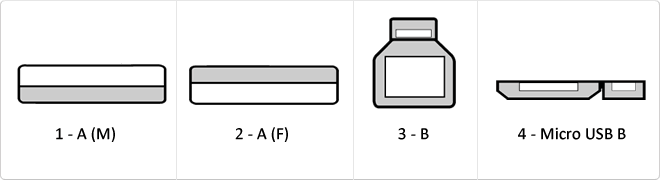
USB 3.0 is the second major revision of the standard Universal Serial Bus (USB) connectivity for computing. USB 3.0 has transmission speeds of up to 5 Gbit/s, which is 10 times faster than USB 2.0 (480 Mbit/s). Connector Types 1 - USB type A plug 2 - 3 USB type A female - USB type B 4 - Micro USB B
VoIP
Voice over IP, also called Voice over IP, VoIP, VoIP (VoIP by its acronym in English, Voice over IP) is a group of resources that enable the voice signal to travel over the Internet using a IP (Internet Protocol). This means that the voice signal in digital form is sent, in data packets, instead of sending it in analog form through circuits used for telephony onlyconventional and PSTN networks (acronym for Public Switched Telephone Network, Public Switched Telephone Network).
RJ11
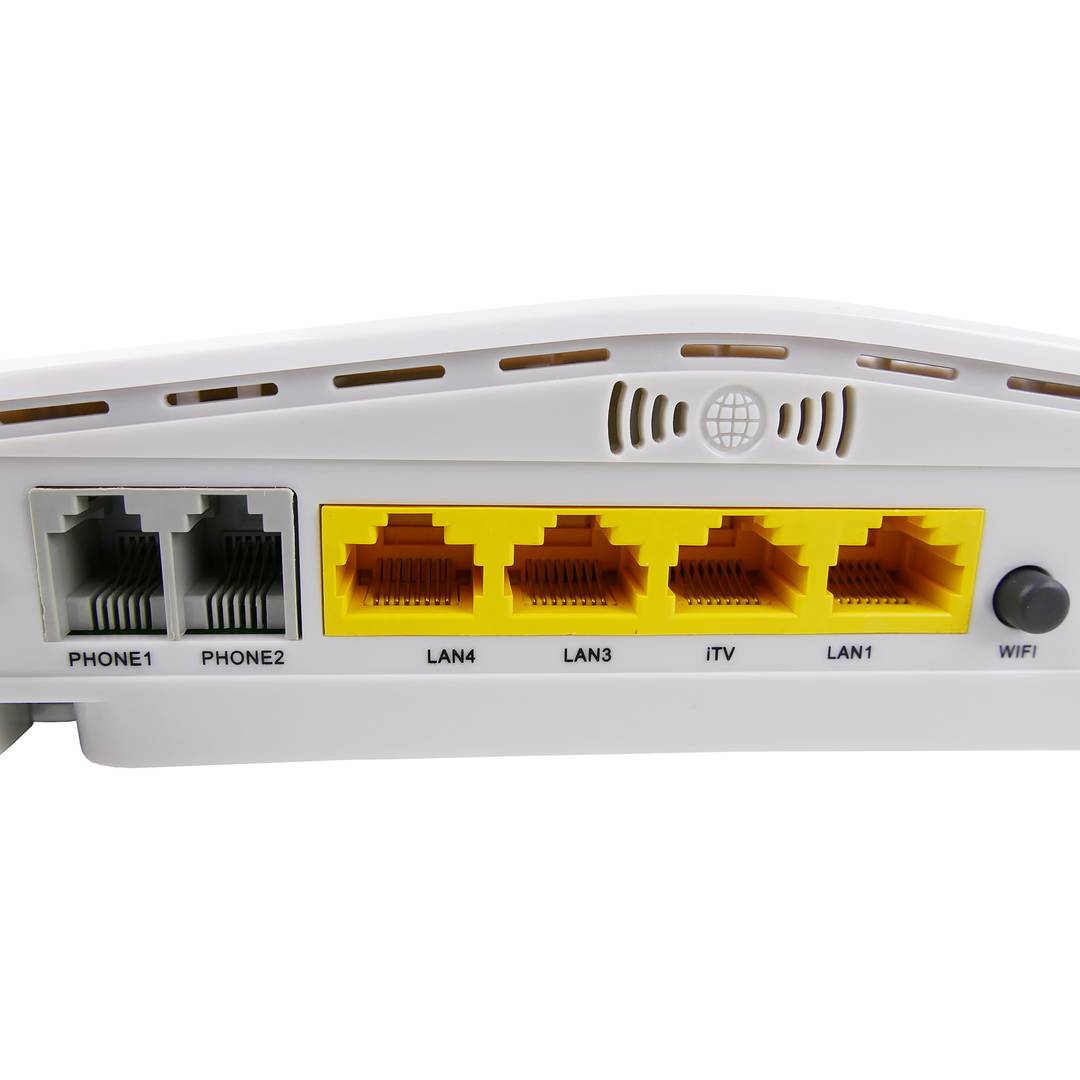
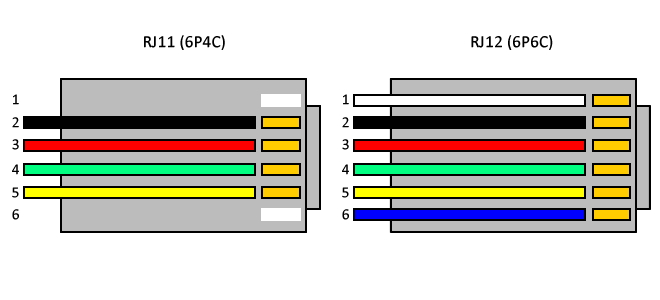
The RJ-11 is mainly used to link telephone networks connector. It is small and has four contacts measures to support 4-way 2 cables. It is the most widely used globally for connecting conventional telephones, which generally tend to use only the two central threads to a single line or a twisted pair connector. And the four wires are used only for telephony equipment special using double line or two telephone pairs. After crimp the cable, it is almost impossible to disarm the RJ-11 without causing its deactivation.
Reversible USB Type-C
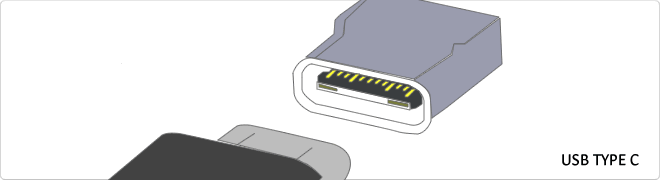
USB-C reversible USB version called USB cables USB Type C Type C or USB reversible. The important thing is this type of USB is that it has top and bottom. So you may save the blows that are given involuntarily to connect the connector upside down. It is also characterized in that when connected will make an audible "click". The USB-C or reversible USB cables can reach 10 Gbps and support USB 3.0, 3.1Use is estimated up to 10,000 applications and has some measures 8.4mm x 2.6mm is also compatible with USB 3.1 and USB indicate creators
WAN
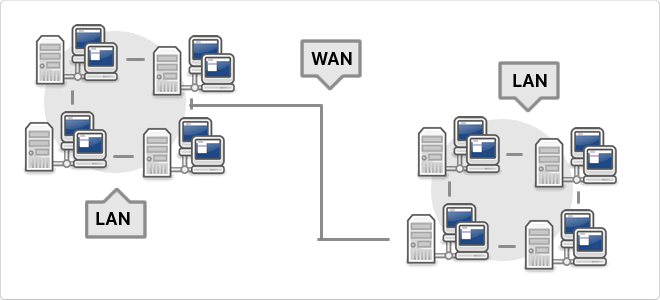
WAN, which is also known as wide area network is a network that consists of several private computers or organizations. Today with the speed that is in LANs is no longer necessary to use WAN
VDC
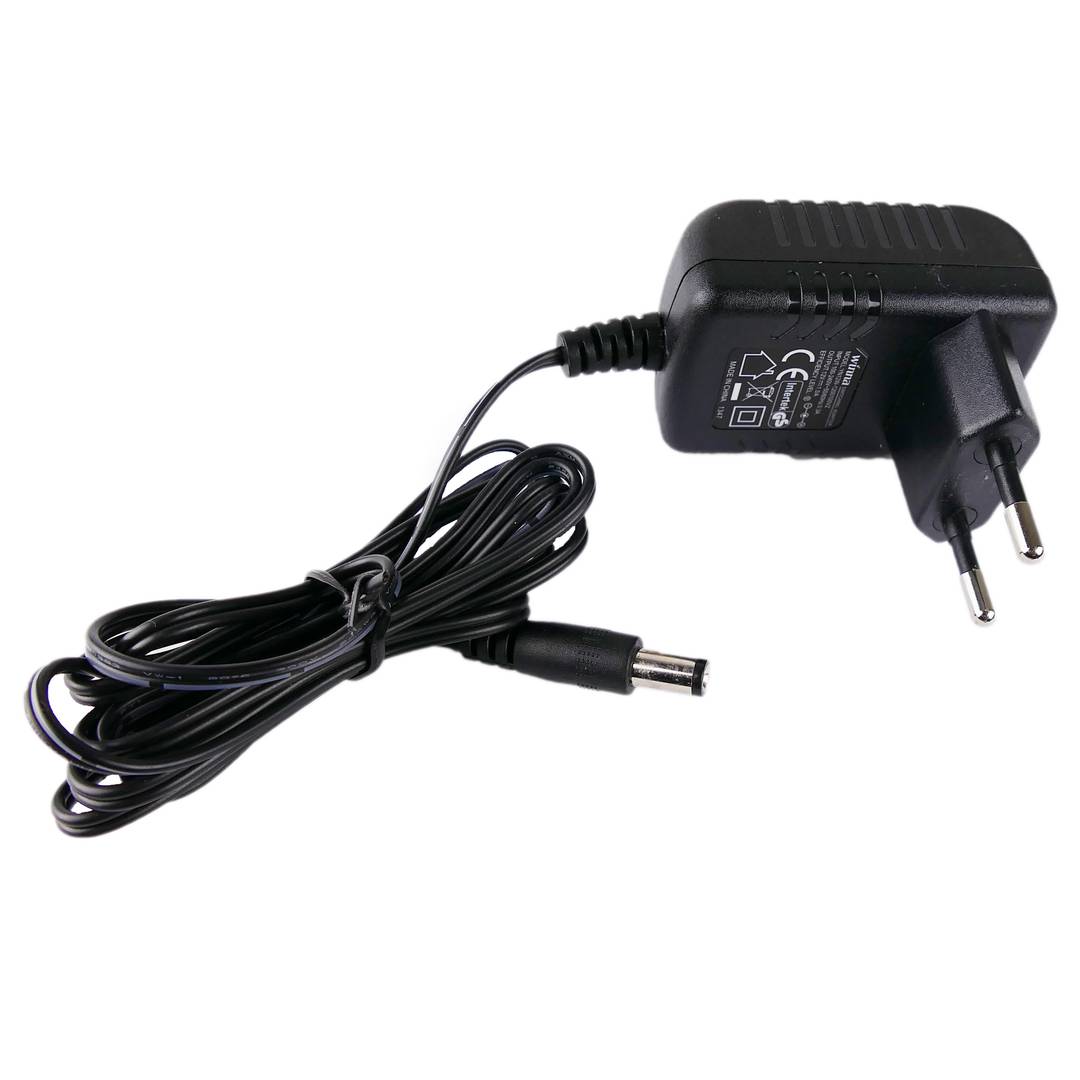
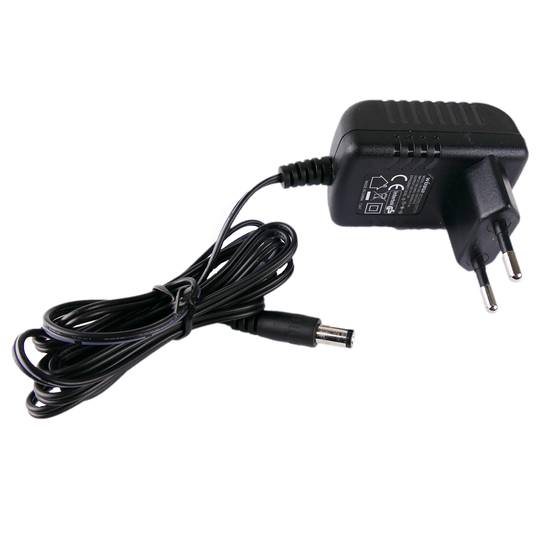
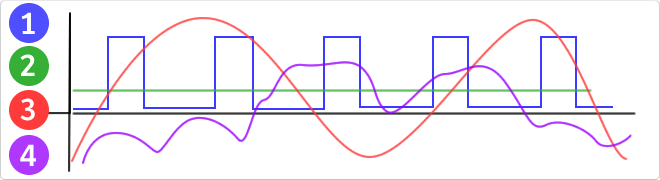
VDC would be the abbreviation for Volt Direct Current which translated would volts direct current. The idea of ??this type is unidirectional current to the load. Direct current is normally produced by batteries, thermocouples, solar cells and a dynamo electric machine type. The direct current can flow in conductors such as wires, but may also flow through semiconductors, insulators ... In the image: 1 - current per pulse 2 - Direct Current (DC) 3 - Alternating Current (AC) 4 - Variable Current
RJ45
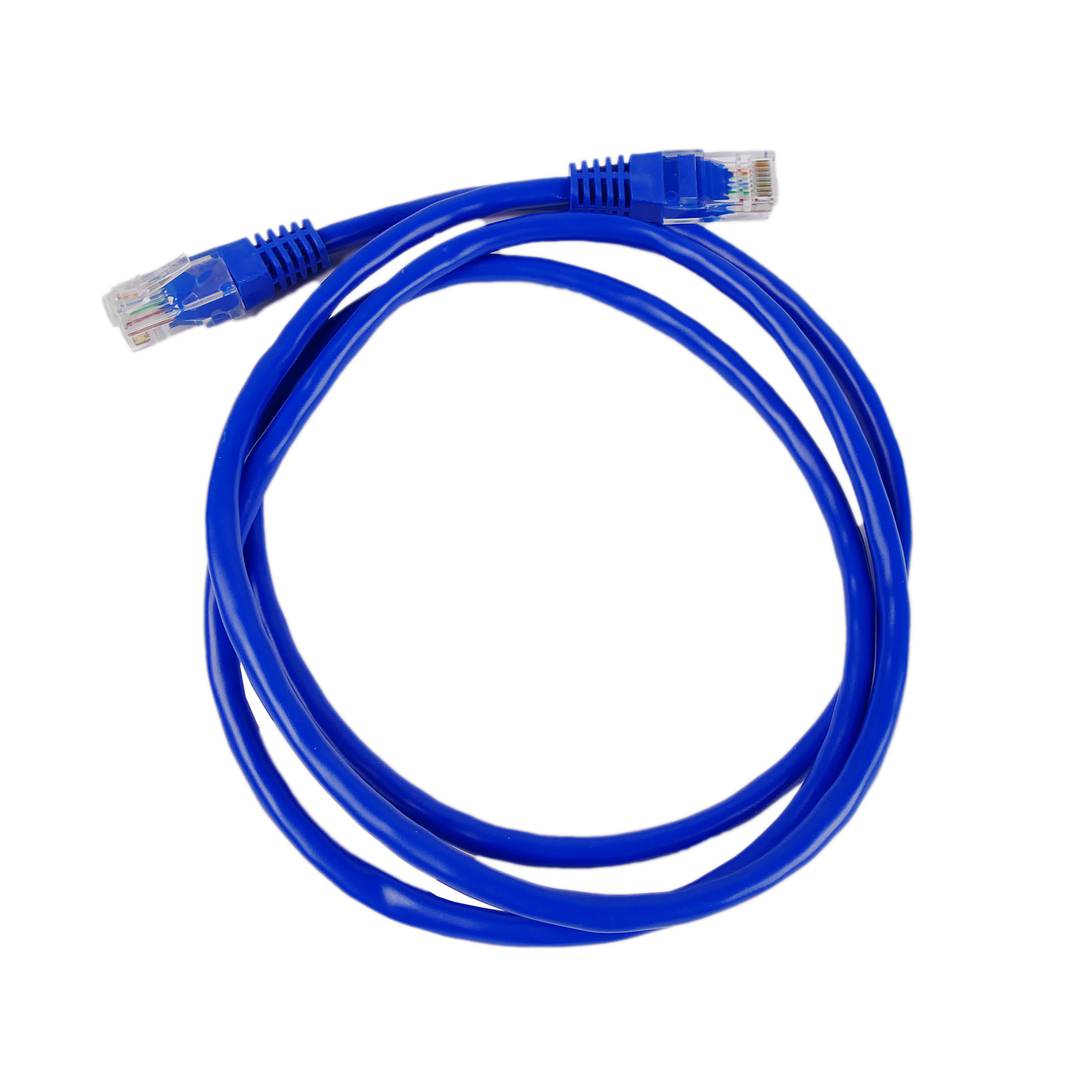
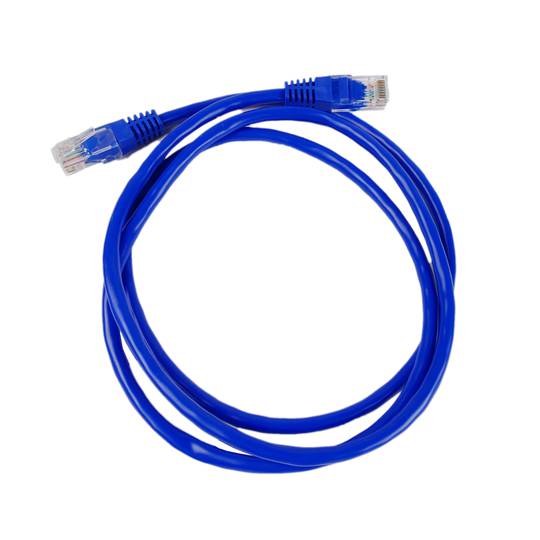
When we talk about RJ45 ("Registered Jack" 45) we refer to a telecommunications network interface for wired connection of voice and data equipment.
This connector has 8 pins or connections and may have a specific category depending on the data transfer speed and bandwidth (category 5e, 6, etc.)
The common application is their use in Ethernet network cables under TIA/EIA-568-B standard that defines the arrangement of pins (pinout), but can also be used for other applications.
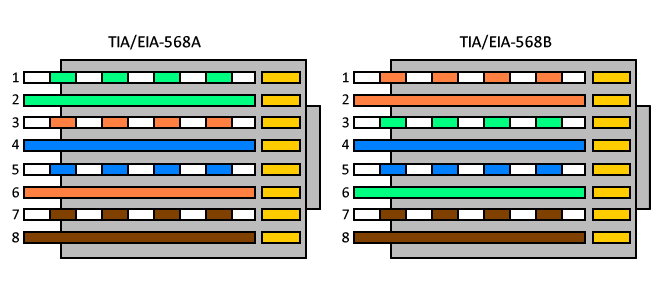
- Direct pin diagram:
EIA-568A
Pin No.1: WHITE-GREEN
Pin No.2: GREEN
Pin No.3: WHITE-ORANGE
Pin No.4: BLUE
Pin No.5: WHITE-BLUE
Pin No.6: ORANGE
Pin No.7: WHITE-BROWN
Pin No.8: BROWN
EIA-568B
Pin No.1: WHITE-ORANGE
Pin No.2: ORANGE
Pin No.3: WHITE-GREEN
Pin No.4: BLUE
Pin No.5: WHITE-BLUE
Pin No.6: GREEN
Pin No.7: WHITE-BROWN
Pin No.8: BROWN
- Schematic of crossed pins:
The crossover cable has one end with EIA-568A scheme and the other one with EIA-568B.
Wifi
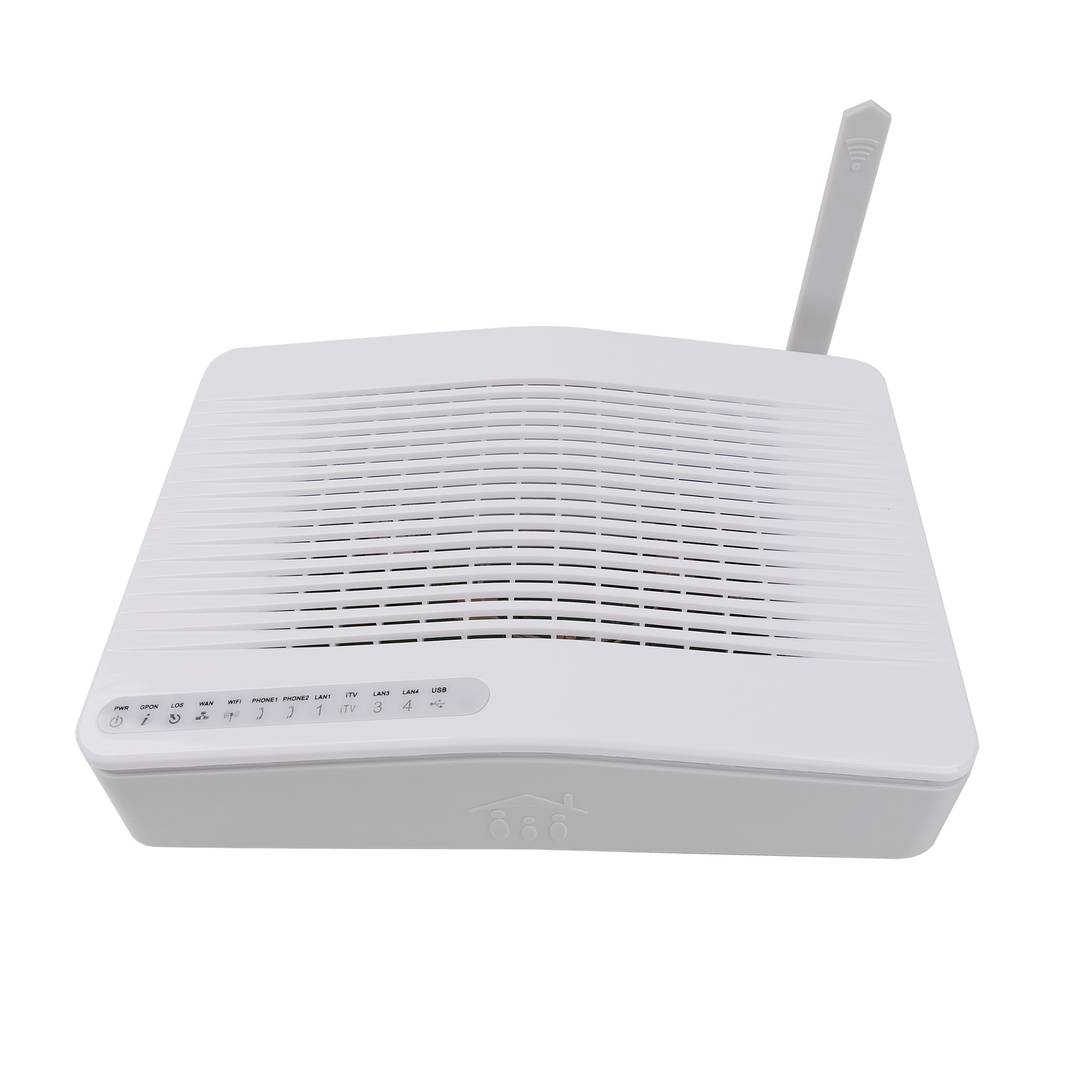
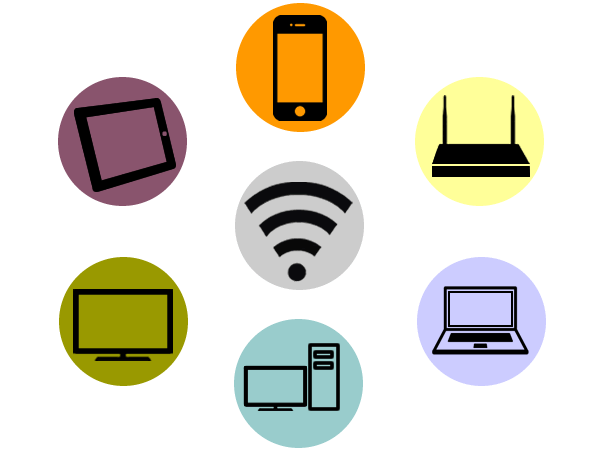
The Wifi technology is a wireless communication mechanism between devices. This technology allows you to connect devices such as computers, laptops, mobile etc... to the Internet or communicate with the devices themselves.
Applications can be several, among the most common are the access points, ideal for giving and sharing a connection signal to multiple devices. It is the typical configuration of a home user.
Repeater, ideal to repeat and amplify weak signal.
The power and range between devices basically depends on the antenna and its hardware.
The wireless signals work under a unified standard regulations, the standard that is based on the IEEE 802.11. These include IEEE 802.11b, IEEE 802.11g and IEEE 802.11n working at 11 Mbit/s, 54 Mbit/s and 300 Mbit/s, respectively.
Being any device with a standardized protocol such technology can connect to another using the same technology, making it a kind of universal connection.
The wireless networks are characterized by the ease and convenience of making connections in infrastructure, since it is not necessary to perform network cable installations.
it also allows connecting a lot of devices to a single node.
![]()
Gbps
Gbps (Gigabits per second) is a unit of data transfer rate equal to one billion bits per second.
In telecommunications and network engineering, Gbps defines the bandwidth capacity of fiber optic infrastructures (FTTH) and core backbones. This metric quantifies the effective throughput of a communication channel, enabling massive packet transfer without link saturation. Implementation at the physical layer requires high-speed interfaces like Gigabit Ethernet to manage digital signaling and ensure data flow integrity across the network nodes.
| Unit | Technical Equivalence |
|---|
| 1 Gbps (bits) | 1,000,000,000 b/s |
| 1 Gbps (Megabits) | 1,000 Mb/s |
Bandwidth Management and Network Capacity
A 1 Gbps link allows for efficient service segmentation via VLANs and traffic prioritization through QoS, supporting data-intensive real-time protocols without encountering bottlenecks at the hardware level.
Advantages of Gigabit Connectivity
- Significant reduction in latency for critical applications.
- Support for multiple concurrent 4K/8K video streams.
- Enhanced cloud synchronization and backup speeds.
- Seamless scalability for IoT device density.
Gbps is the primary performance indicator in modern broadband and enterprise networking.
Categories network cables
Network cable categories define the performance, frequency, and data transmission capacity in structured cabling infrastructures.
| Category | Max Speed | Frequency | Distance |
|---|
| Cat 6a | 10 Gbps | 500 MHz | 100 m |
Details and Advantages
Categorization ensures infrastructure can handle bandwidth demands and mitigates electromagnetic interference.
Note: Maximum distance is typically 100 meters per TIA/EIA standards.