

08/19/2026 9:08 a.m.
https://cablematic.com/en/products/pushbutton-transmitter-for-wireless-calling-system-wallmount-500m-1-key-QI051/
https://cablematic.com/en/products/pushbutton-transmitter-for-wireless-calling-system-wallmount-500m-1-key-QI051/
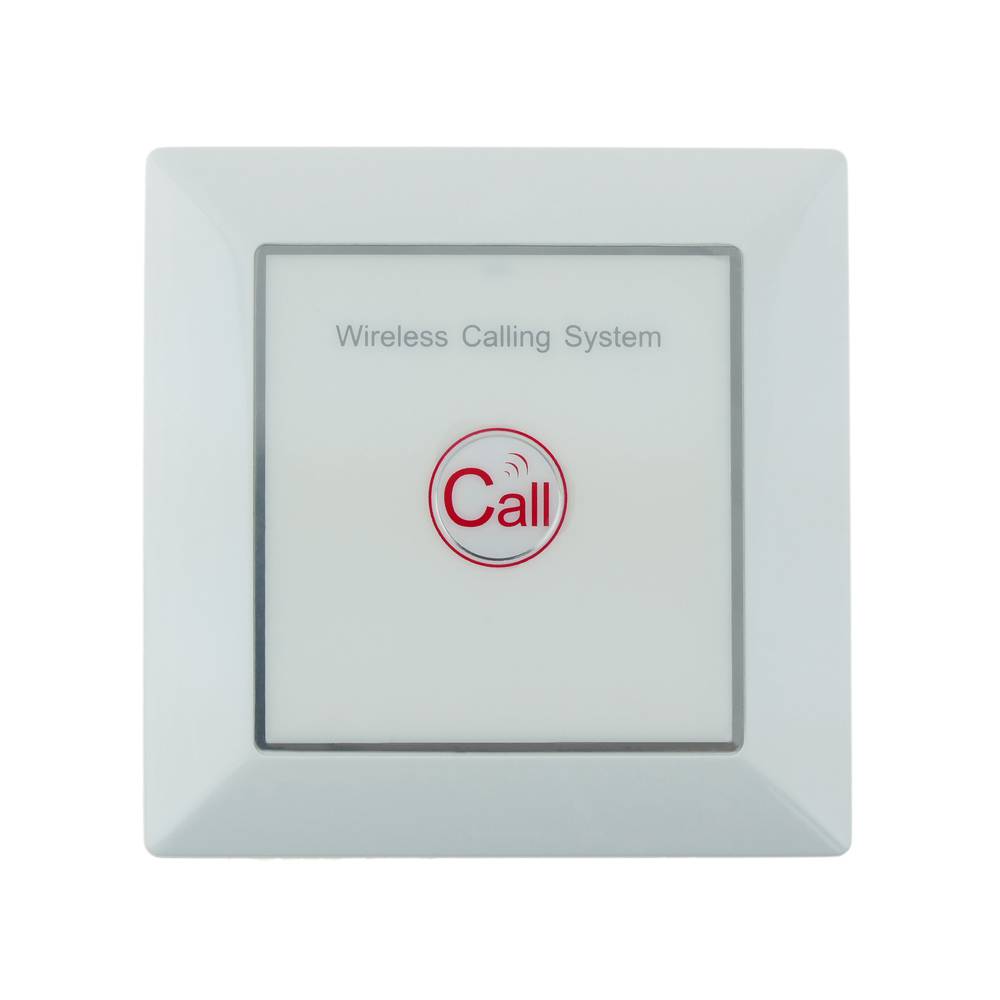


Pushbutton transmitter for wireless calling system wallmount 500m 1 key
Pushbutton transmitter for wireless calling system wallmount 500m 1 key
REF: QI051

Specifications
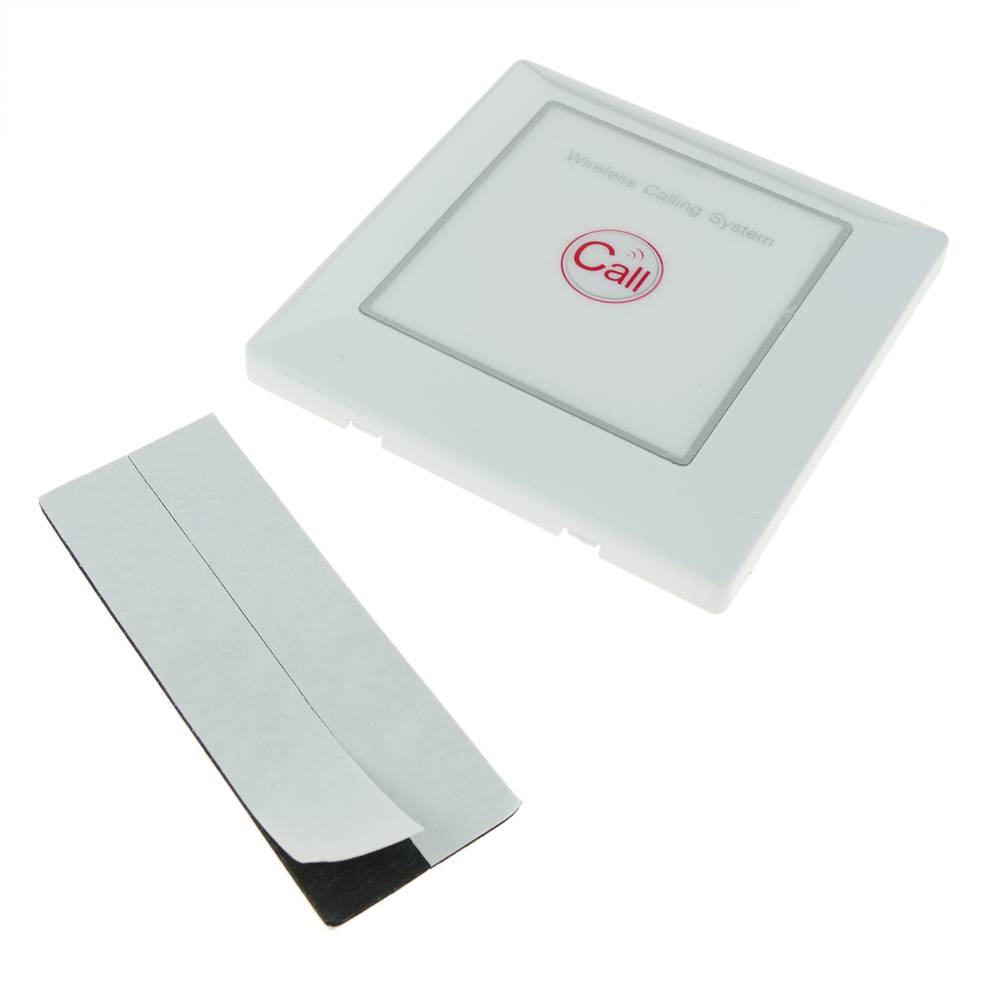
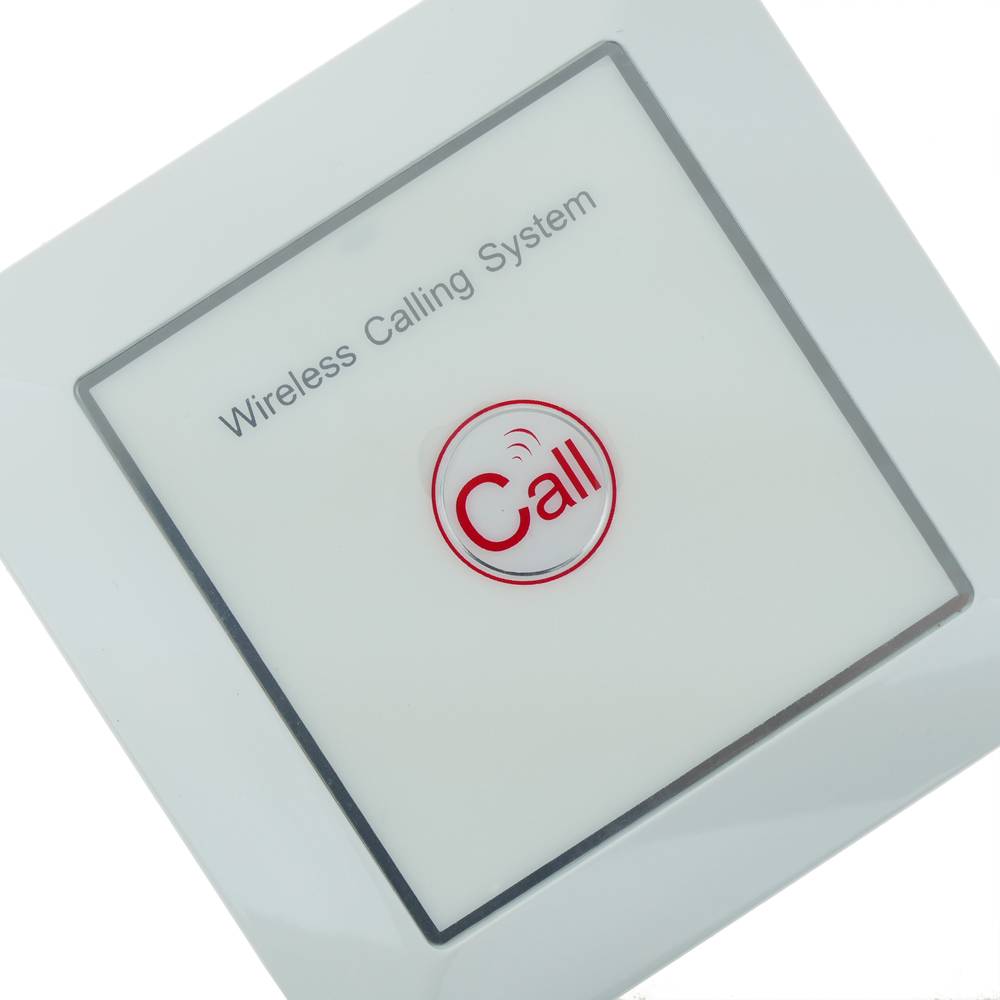
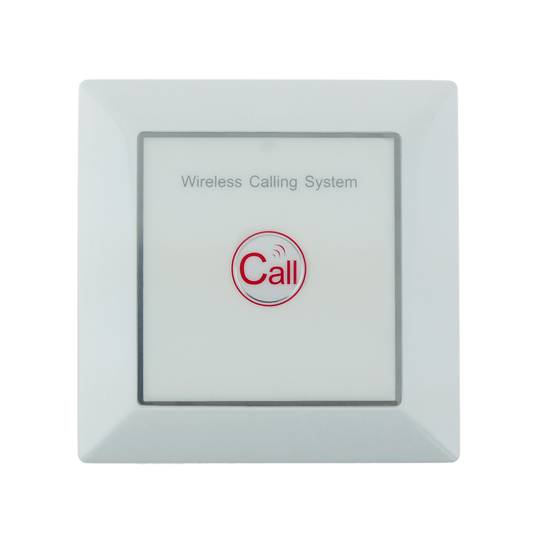
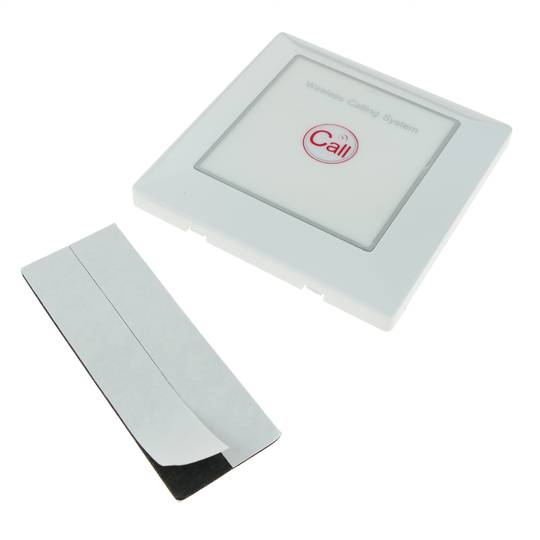
- Wireless push button to be used with an automatic call system. Model imitation wall switch.
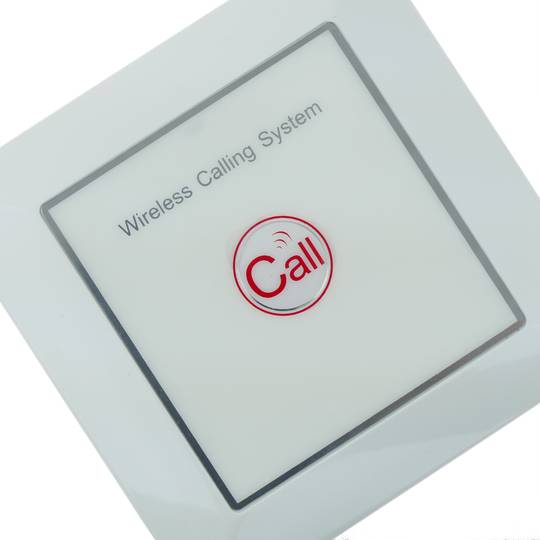
- It has a CALL button and a call indicator LED.
- Approximate operating range: 500 m (in optimal conditions).
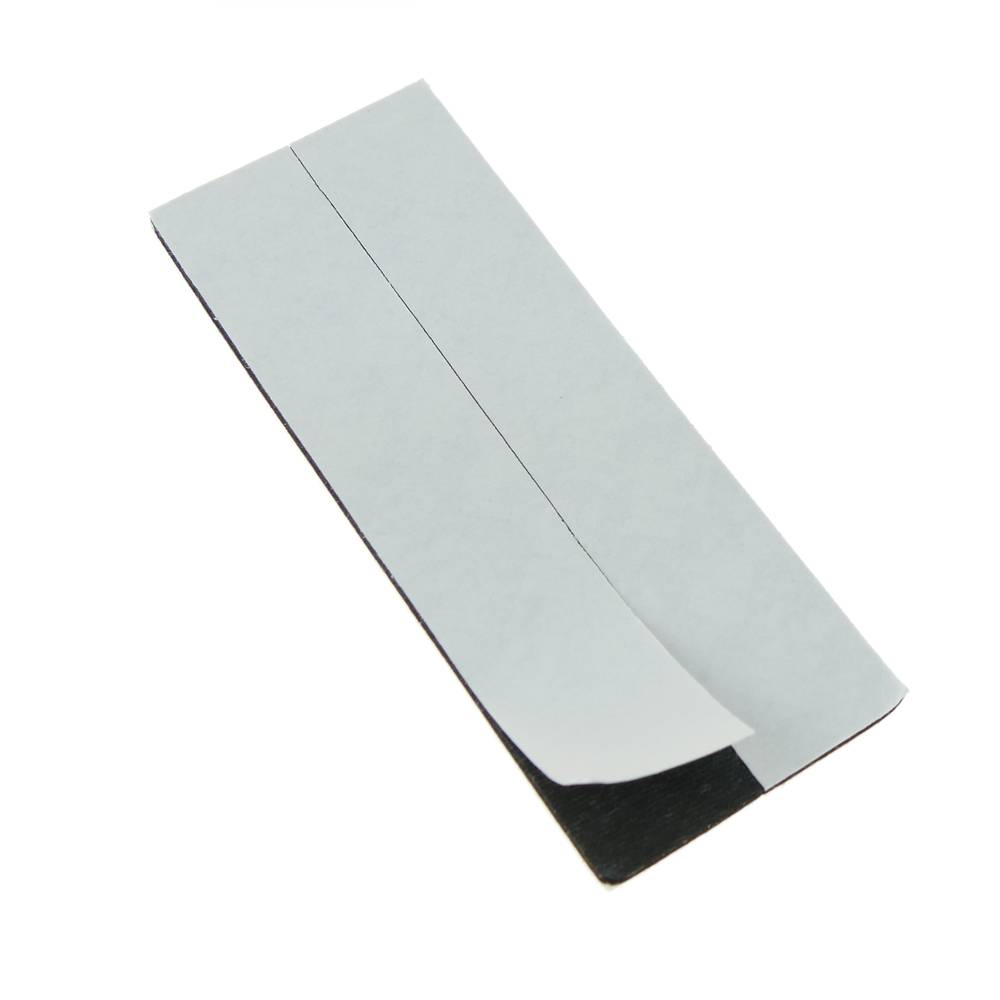
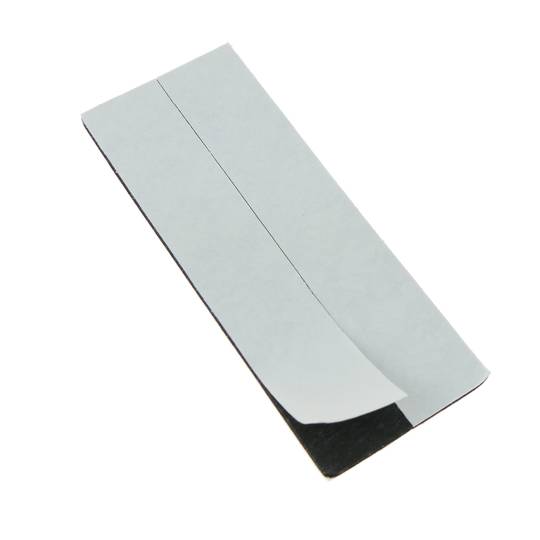
- Fixation using double-sided adhesive (included).
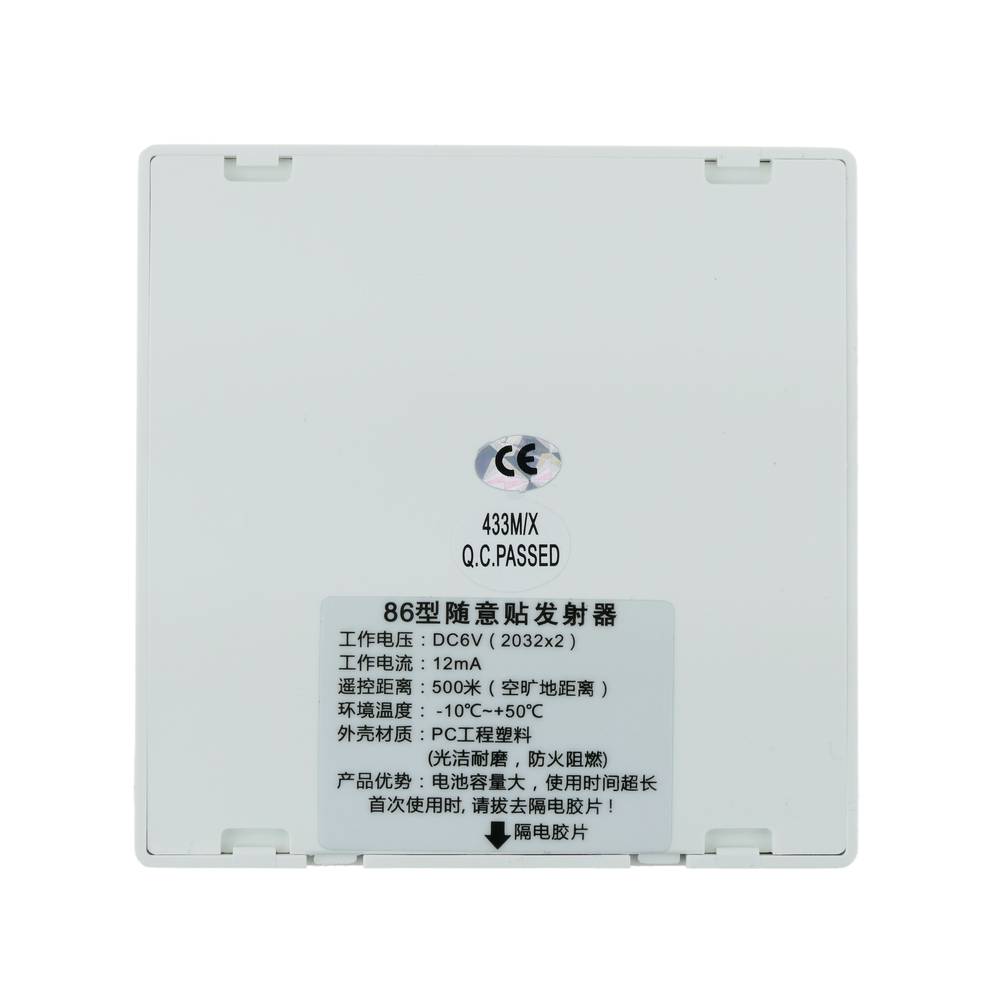
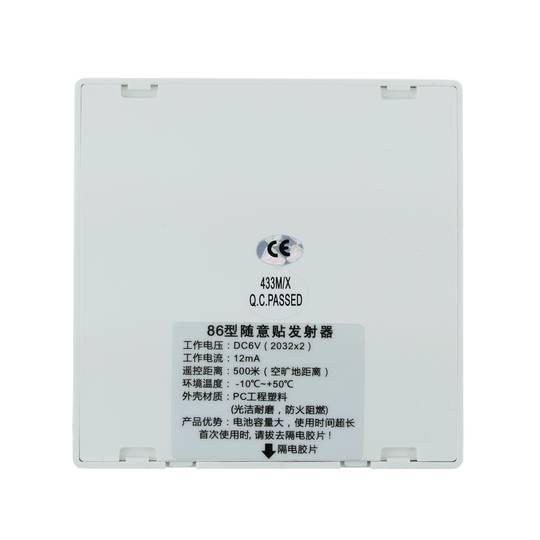
- Works with 23A 12V battery (included). It is housed in the back of the button.
![play_button]() Watch video
Watch video
More info
 Watch video
PVP
€10.33
Price including VAT:
€10.33
PVD
€9.08
PVP: Retail price.
Check conditions.
PVP: Sale price to distributors.
Check conditions.
 2 years
warranty
 14 days
returns
 100%
100%safe
We will notify you when it is back in stock.
Specifications
- Wireless push button to be used with an automatic call system. Model imitation wall switch.
- It has a CALL button and a call indicator LED.
- Approximate operating range: 500 m (in optimal conditions).
- Fixation using double-sided adhesive (included).
- Works with 23A 12V battery (included). It is housed in the back of the button.
Related products
Keywords
Did not find what you were looking for? These topic could help you
More info
Push button to be used with wireless call systems. This button must be used in conjunction with a LED display compatible with the wireless call system. These systems can be used in restaurants, bars, hotels, hospitals, stores, elderly care, etc.
To configure a wireless call system, you must purchase the LCD viewers (receivers from the vendor) and thecall centers (client transmitters). The normal configuration is an LCD viewfinder (receiver) for several call modules or push buttons (transmitters). However, it is also possible to configure more than one LCD viewer, and all LCD displays will display the same call information.
The configuration of the system is easy. The installation does not require cables, as the communication between LCD display and call buttons isperform wirelessly. The buttons must be registered in the LCD display, and each button assigned a specific number. This number can correspond to the table number, room number, section number, etc., depending on the type of application. When the client (user of the button or transmitter) presses the key, the information is displayed in the LCD viewer to which it is paired. In this way the seller can perform the acctimely ions to give the necessary attention to the client.
Push button specifications
- Wireless push button to be used with an automatic call system. Model imitation wall switch.
- It has a CALL button and a call indicator LED.
- Approximate operating range: 500 m (in optimal conditions).
- Fixation using double-sided adhesive (included).
- Works with 23A 12V battery (included). It is housed in the back of the button.
- Automatic code memorization system (self learning).
- Size: 86 x 86 x 12 mm.
- Operating frequency: 433.92 MHz.
- Compatible with different ranges of LED viewers (our references #QI1x).
- Gross Weight: 60 g
- Product size (width x depth x height): 8.6 x 1.2 x 8.6 cm
- Number of packages: 1
- Packages size: 8.6 x 8.6 x 1.2 cm
Technical terms
- LED
- Hz
LED
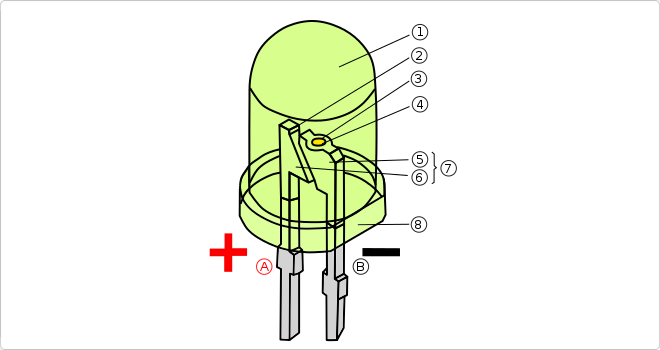
The word LED, which is the acronym for Light Emitting Diode, is a passive optoelectronic component characterized by its versatility, taking on many forms and being integrated into many optical elements, from screens to light bulbs and even photographic flashes.
One of its best features is its low energy consumption, as well as its longer lifespan, its durability that perfectly withstands almost any type of vibration, in addition to low heat emission.
In the diagram:
One of its best features is its low energy consumption, as well as its longer lifespan, its durability that perfectly withstands almost any type of vibration, in addition to low heat emission.
In the diagram:
- Anode
- Cathode
- Lens/epoxy encapsulation (plastic capsule).
- Metal contact (conducting wire).
- Reflective cavity (reflective cup).
- Semiconductor termination.
- Anvil.
- Post.
- Anvil and post assembly replacing the filament.
- Flat edge.