

https://cablematic.com/en/products/10-rack-shelf-front-mounting-1u-depth-160mm-TR026/
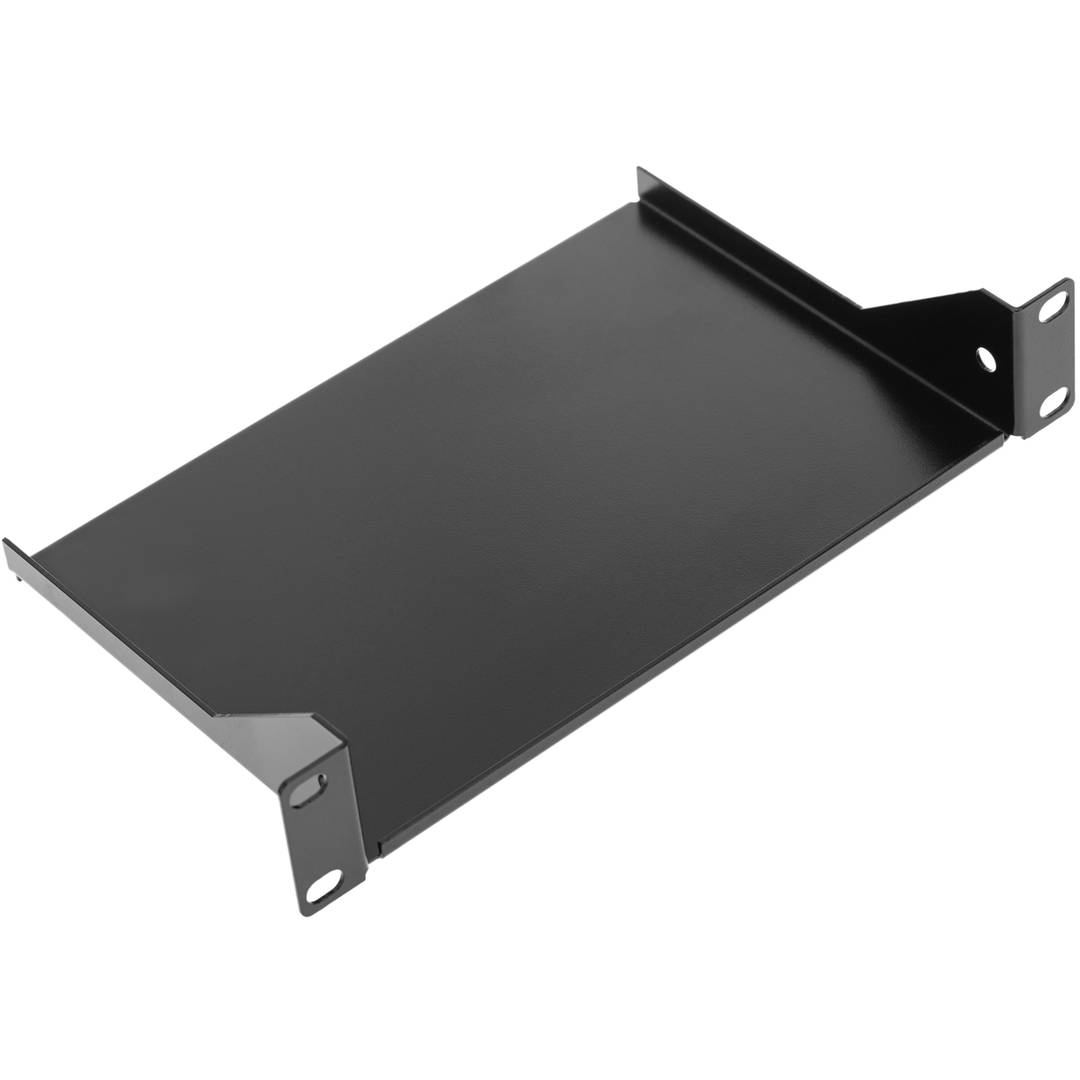
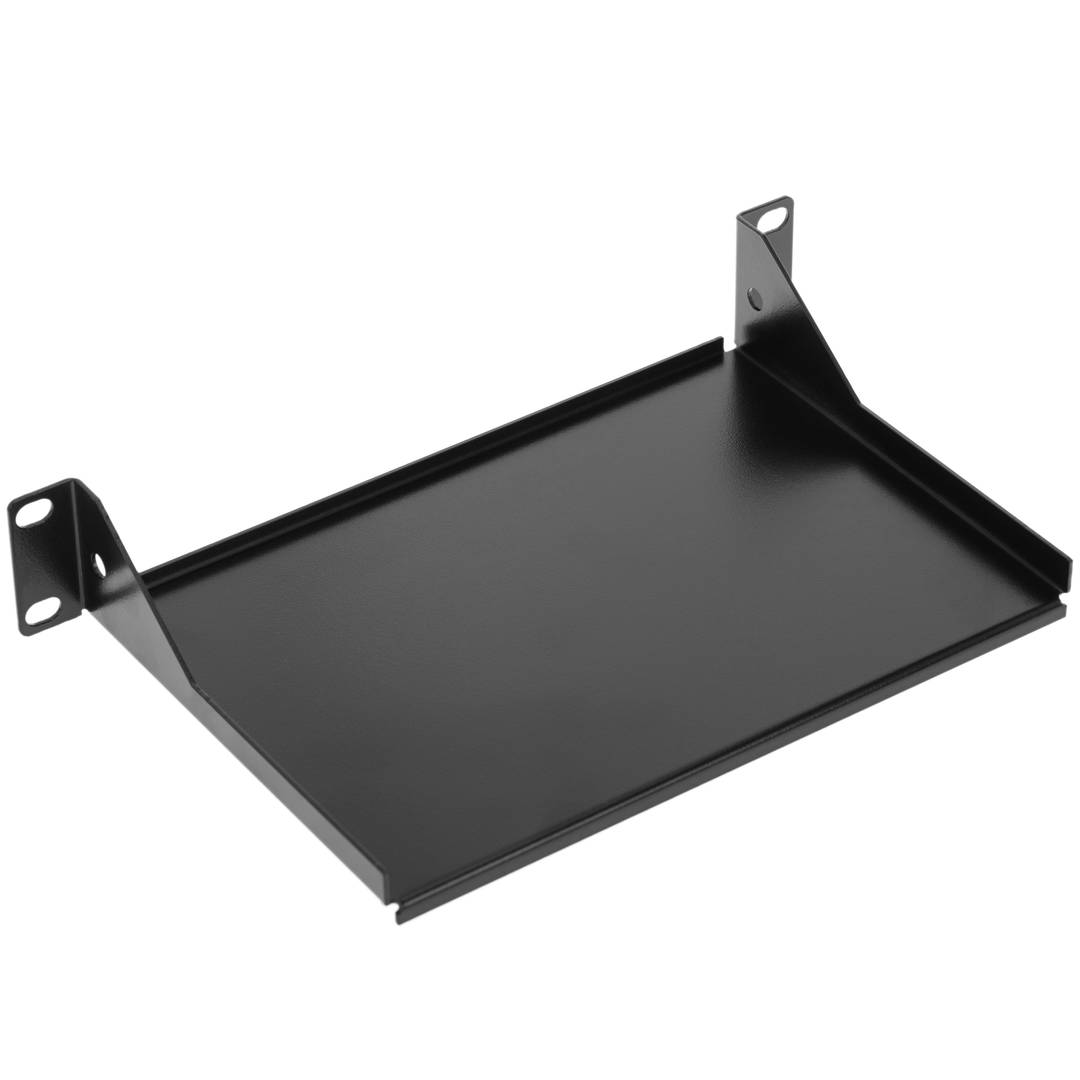
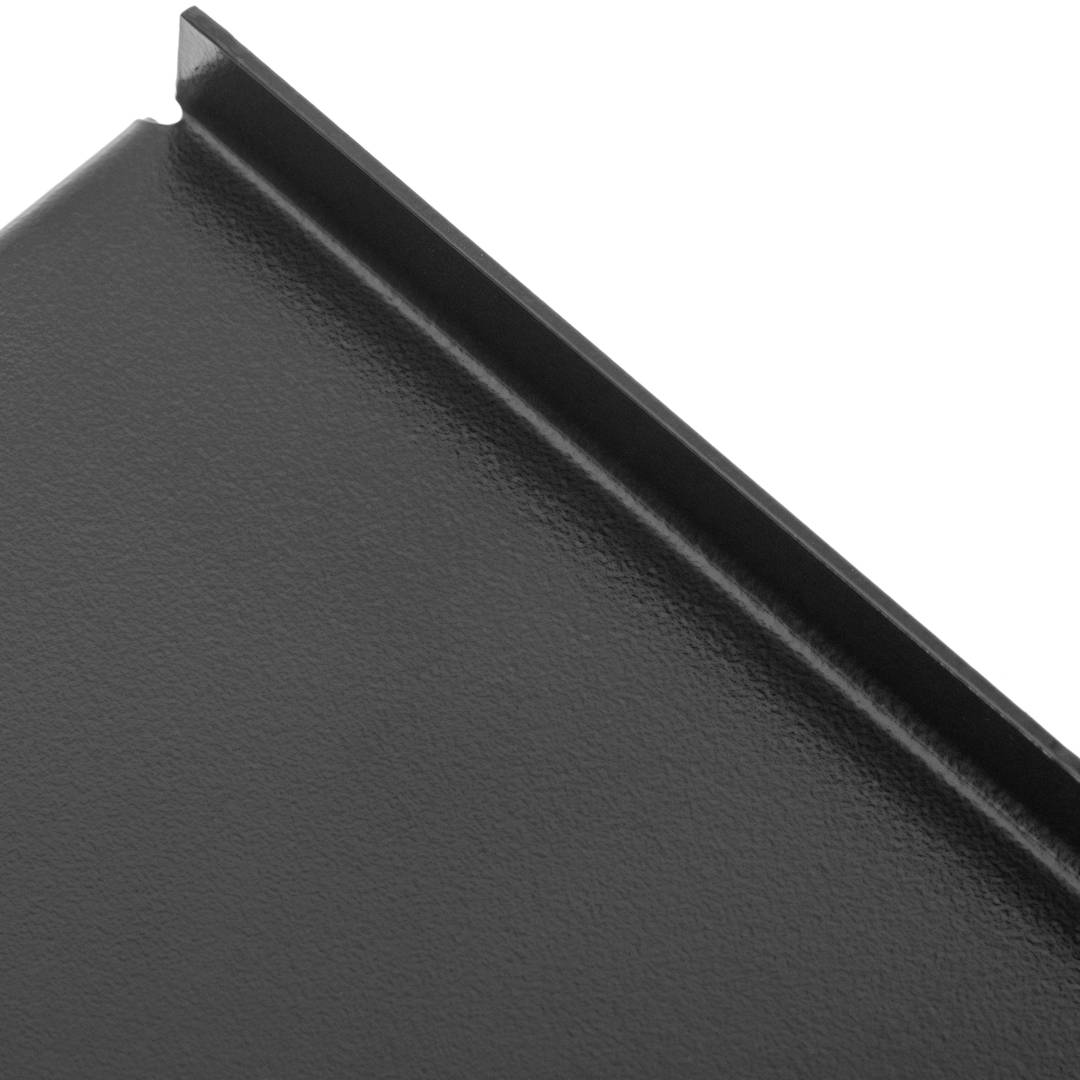
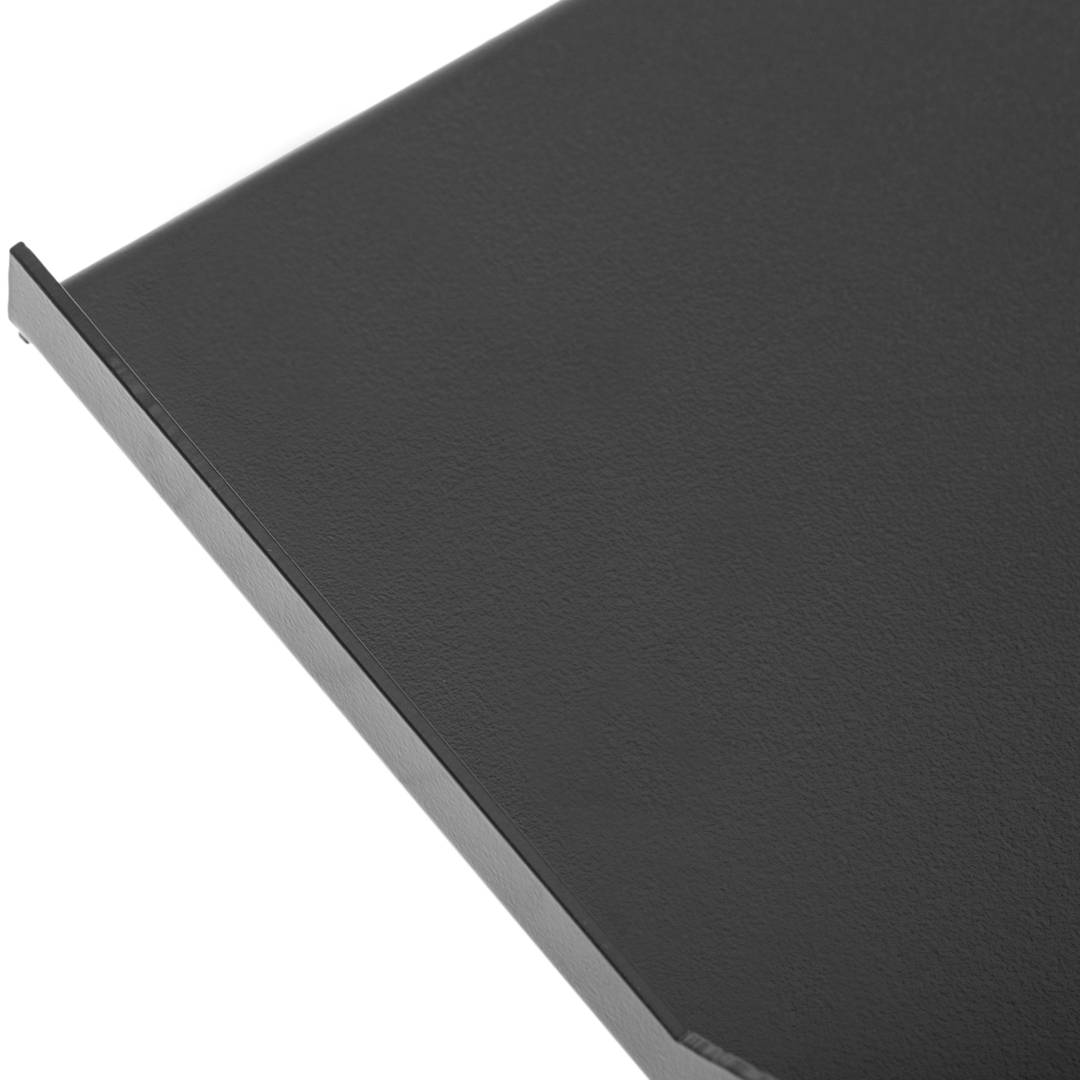
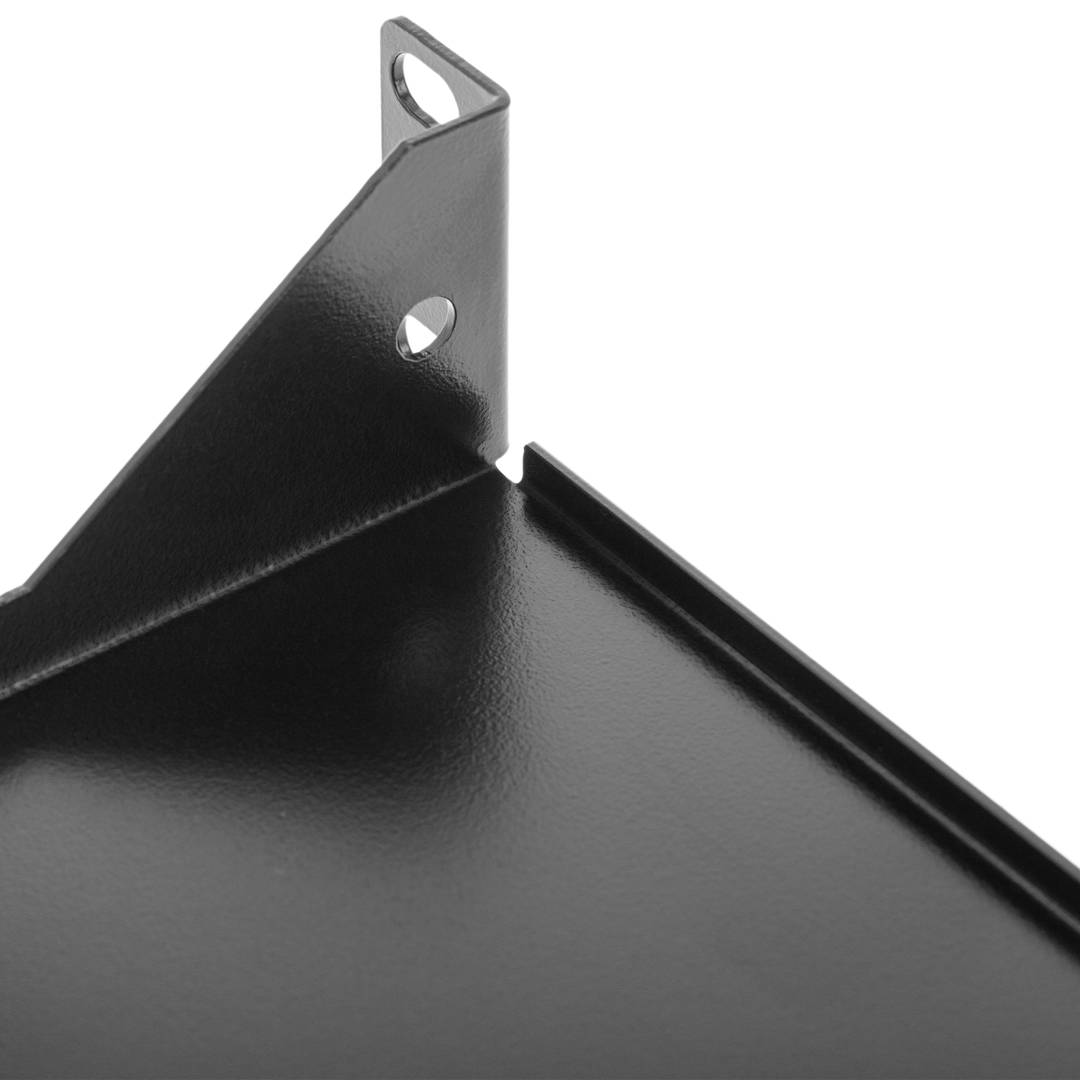
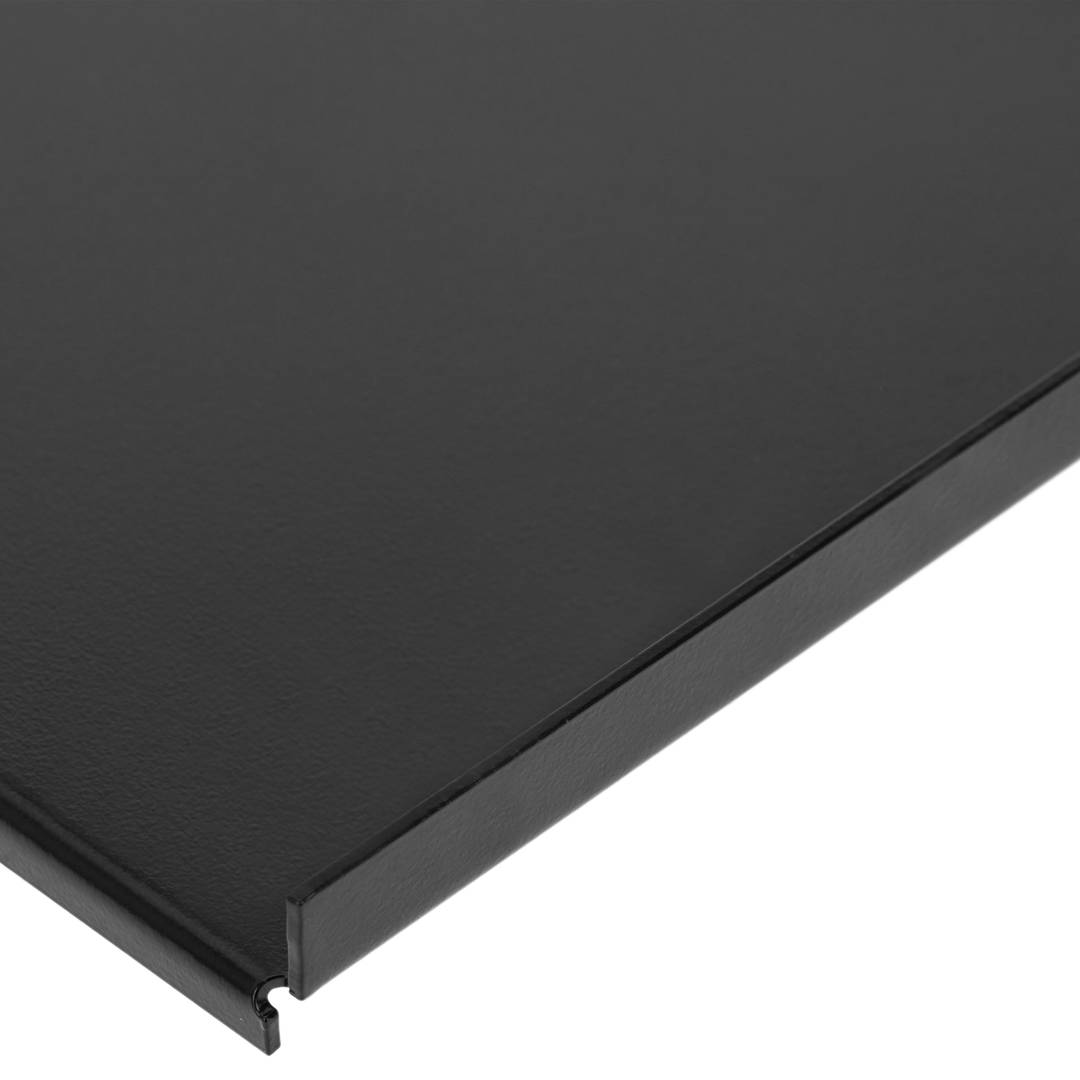


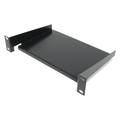
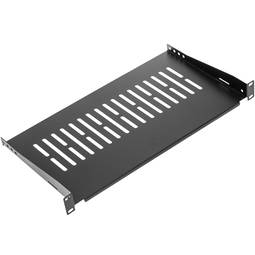
10 rack shelf front mounting 1U depth 160mm

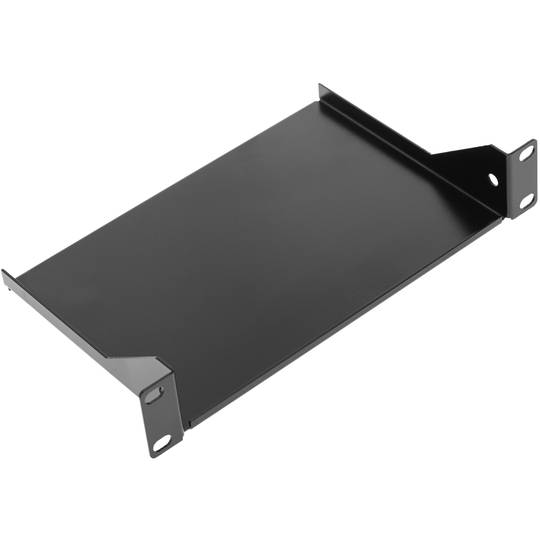
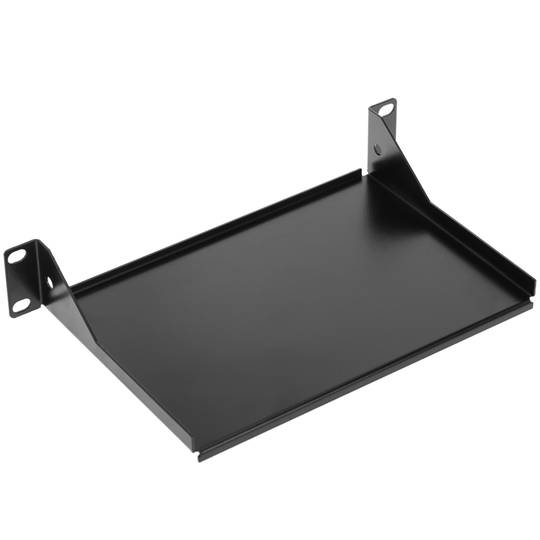
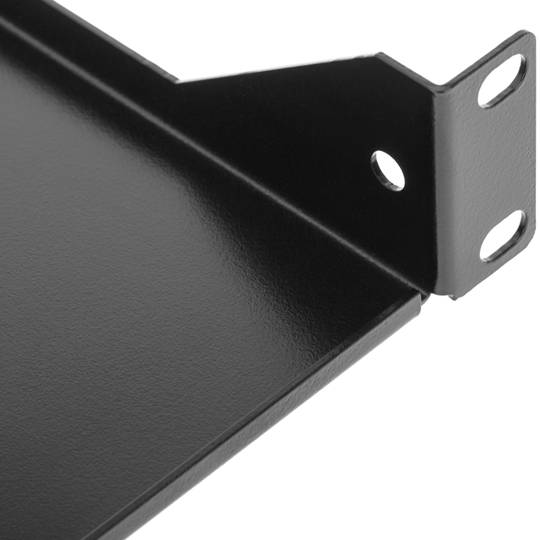

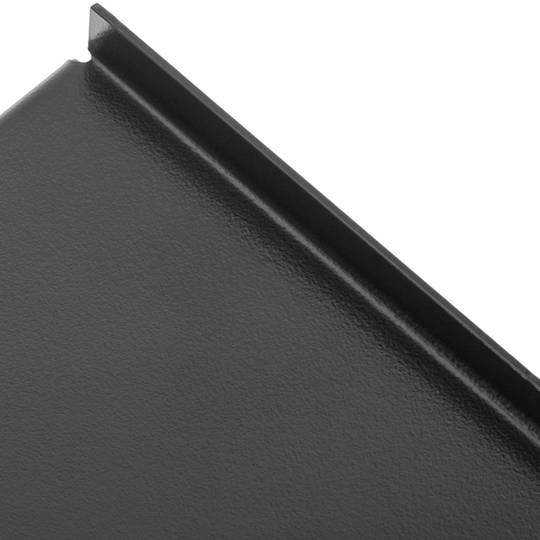
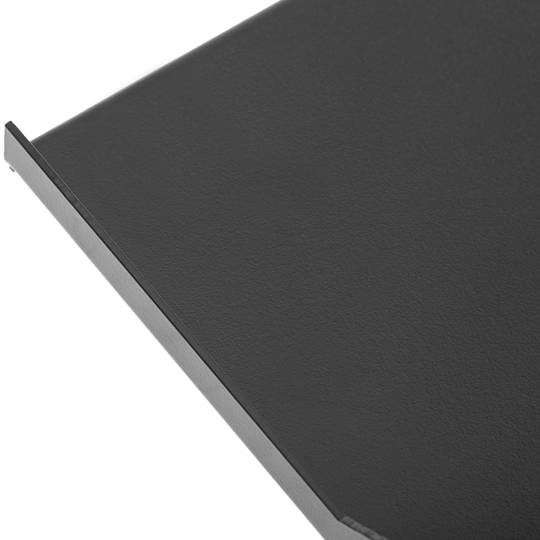


- Tray with a useful depth of 160 mm.
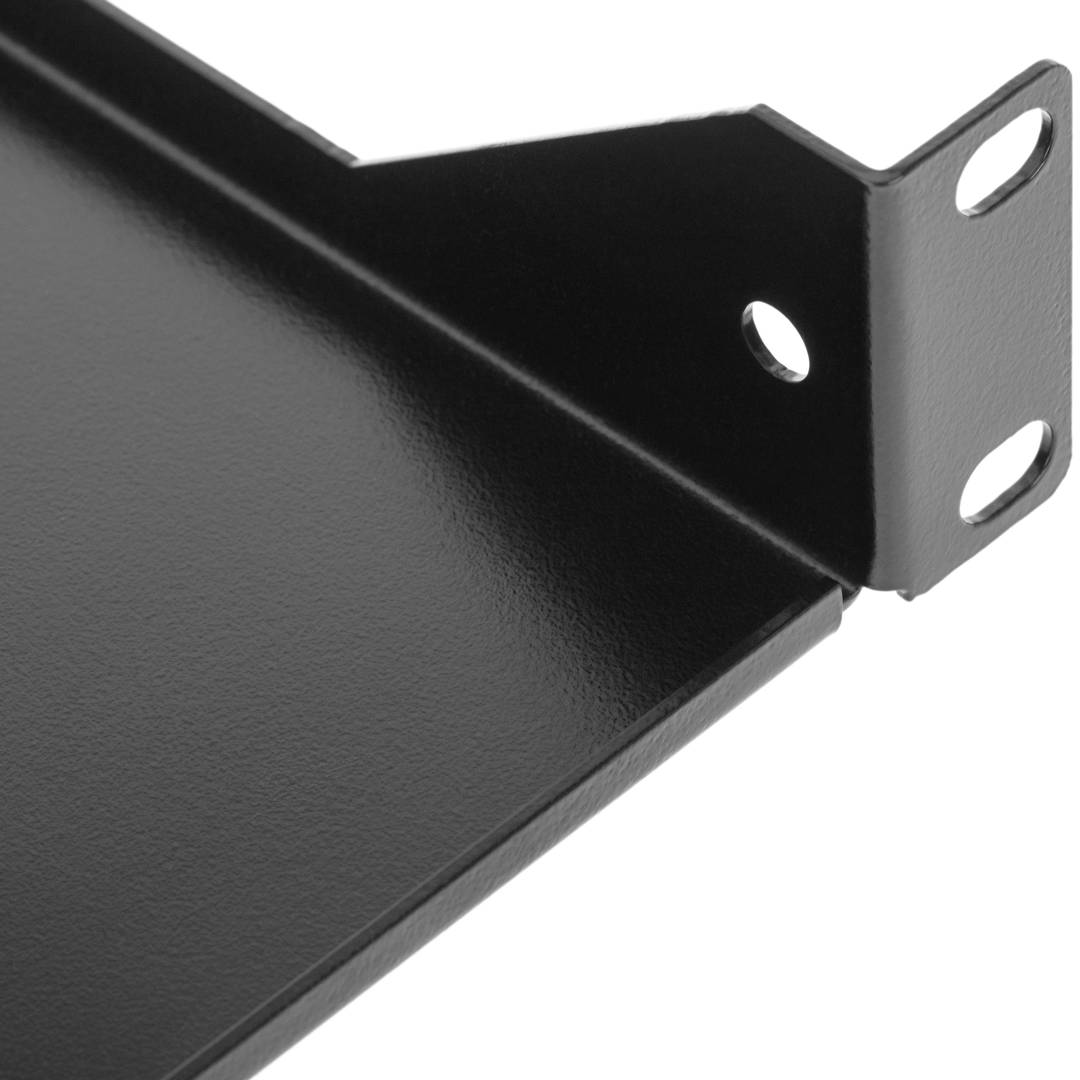
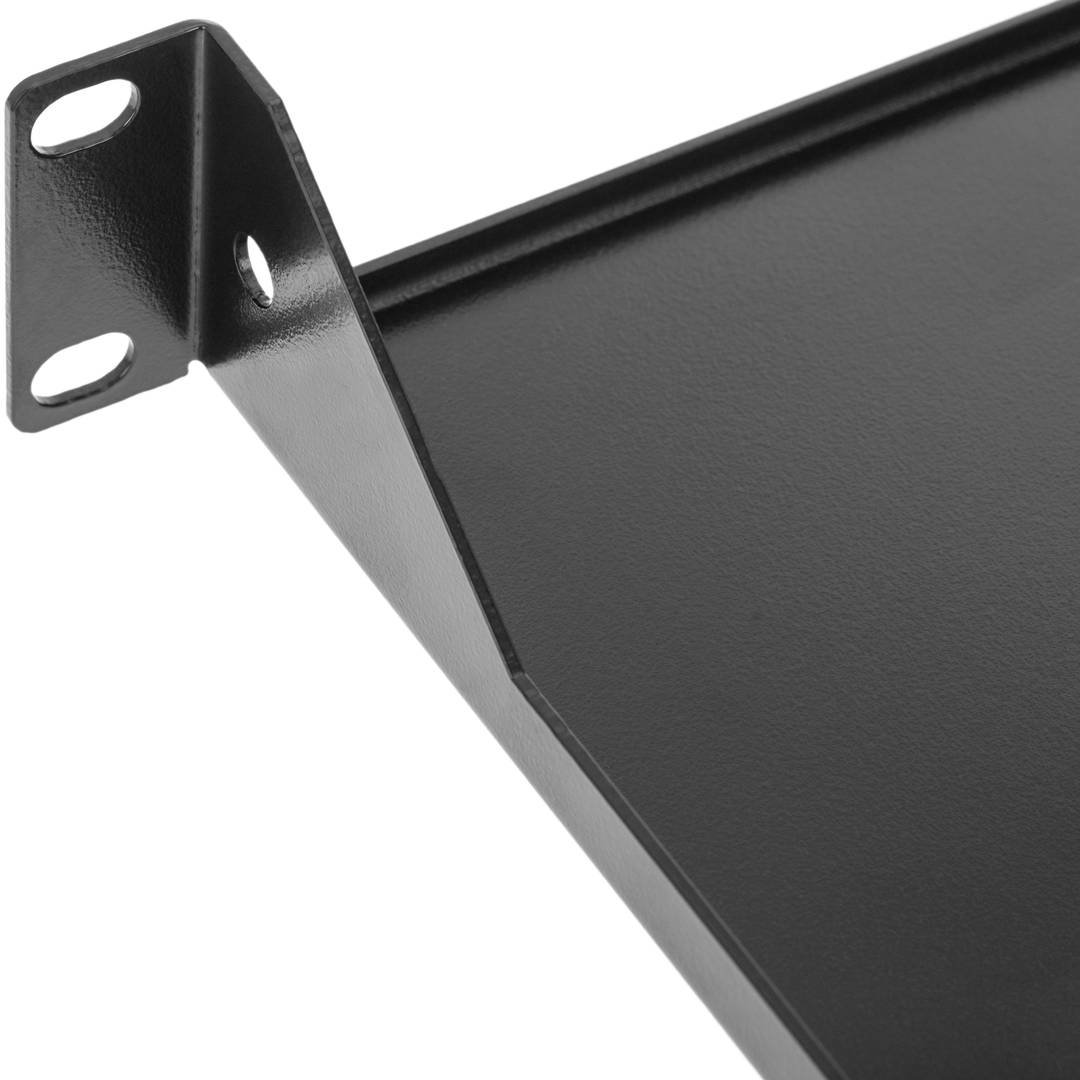
- Front fixing tray compatible with our entire range of 10” rack cabinets with a minimum depth of 200 mm.
- Tray with 1U height.
- Painted in black (RAL9004).
- Supports a load of 20 kg distributed throughout the tray
![play_button]() Watch video
Watch video
More info
 Watch video
 2 years
warranty
 14 days
returns
 100%
100%safe
- Tray with a useful depth of 160 mm.
- Front fixing tray compatible with our entire range of 10” rack cabinets with a minimum depth of 200 mm.
- Tray with 1U height.
- Painted in black (RAL9004).
- Supports a load of 20 kg distributed throughout the tray
Related products

Keywords
Did not find what you were looking for? These topic could help you
Purchased together regularly
More info
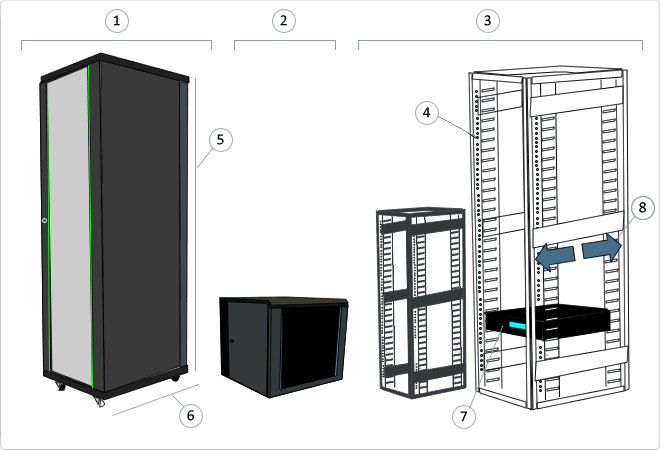
1U front-fixed tray for 10" rack cabinet. The panel is made of black steel. Tray depth is 160 mm from the front frame. Fixed metal tray with front anchoring to 10" racks. Designed for cabinets with a depth of 160 mm or more. Fixed 10" rack tray designed to be mounted in a standard 10-inch rack that provides a solid and stable surface to place equipment and devices, such as routers, switches, KVM, etc. It is ideal for organizing and securing small equipment in IT and telecommunications environments. Its fixed design guarantees the stability and protection of the elements placed in it.
Specs
- Tray with a useful depth of 160 mm.
- Front fixing tray compatible with our entire range of 10” rack cabinets with a minimum depth of 200 mm.
- Tray with 1U height.
- Painted in black (RAL9004).
- Supports a load of 20 kg distributed throughout the tray
- Color: Black.
- Gross Weight: 440 g
- Product size (width x depth x height): 25.5 x 16.0 x 4.5 cm
- Number of packages: 1
- Packages size: 26.0 x 16.5 x 4.5 cm
Technical terms
- KVM
- RACK 19
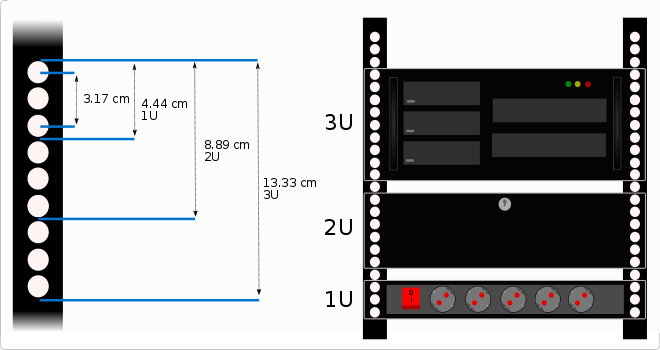
- Rack unit (U)
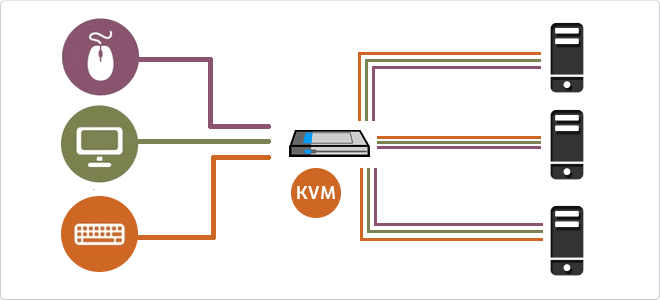
A KVM switch (Keyboard, Video, Mouse) is a hardware device that allows the control of multiple computers or servers through a single set of input and output peripherals.
This technology acts as an electronic signal bridge that switches the data flow between various host units and the user console. It manages DDC/EDID signal emulation to prevent operating systems from detecting monitor disconnection during switching, ensuring the stability of display configurations and operational continuity.
| Specification | Technical Description |
|---|---|
| Video Interfaces | VGA, HDMI, DisplayPort, DVI-I |
| Connectivity | USB 2.0/3.0, PS/2, Audio Jack |
| Switching Methods | Push buttons, Hotkeys, OSD |
The integration of KVM switches into modern infrastructures has significantly optimized rack space and reduced power consumption. With the evolution towards KVM-over-IP, administrators can remotely manage data centers at the BIOS level, enabling critical interventions regardless of the operating system state.
Key Technical Detail
Intermediate and advanced models use dedicated microprocessors for each input port, ensuring the computer "perceives" an active peripheral connection, eliminating USB enumeration latency.
Main Advantages
- Significant reduction in cabling and redundant hardware.
- Centralized and secure access to multiple systems.
- Ability to manage headless servers.
Note: KVM switches are essential for operational efficiency in data centers and server rooms.